Multi-App Deployments
Run cooperating multi-container stacks on WendyOS from a single wendy.json — with one Dockerfile per service or a companion docker-compose.yml
Run a multi-container stack as one deployment
Some projects are naturally split into cooperating containers. This is common for ROS 2 systems: one service publishes sensor data, another runs planning or inference, and a third exposes a dashboard or bridge.
The recommended way to ship a stack like this is a single wendy.json at the project root. It is your one source of truth for the deployment: which services exist, how they build, their start order, and their device entitlements. wendy run (no extra flags) detects the services map and orchestrates the whole stack.
You can shape that wendy.json two ways:
- One Dockerfile per service — declare a
servicesmap directly inwendy.json, with each service pointing at its own build context. This is the default and gives you full access to Wendy-specific configuration (entitlements, isolation, frameworks). - A companion to
docker-compose.yml— if you already have, or prefer, adocker-compose.yml, keep it and add a small companionwendy.jsonthat layers Wendy-specific settings (such as GPU or network entitlements) on top of the services Compose already defines.
Both shapes deploy with the same command:
wendy runWendy auto-detects the project shape, so you do not need a build-type flag. A wendy.json with a services map takes the multi-service path; a docker-compose.yml is detected as a Compose project (and a companion wendy.json is merged in when present).
Prerequisites
- Wendy CLI installed on your development machine
- A WendyOS device reachable over USB, LAN, or Wendy Cloud
- Docker installed locally so Wendy can build service images
- A project directory that contains
docker-compose.yml,docker-compose.yaml,compose.yml, orcompose.yaml
How Wendy runs compose projects
When you run wendy run in a directory with a compose file, Wendy auto-detects the compose project and uses the compose path before the single-Dockerfile path.
For a WendyOS device target, Wendy:
- Reads the compose file from the project root.
- Builds each service that has a
build:directive for the target device platform. - Pushes built images to the device's embedded registry.
- Uses declared
image:references directly for services withoutbuild:. - Generates one device app per service, named
<project-folder>-<service>. - Creates service containers in
depends_onorder. - Starts all services and streams logs with a
[service]prefix.
For ROS 2, set network_mode: host on every service that needs DDS discovery, multicast, or direct host-network communication. Wendy converts that field into a host-network entitlement for the generated service app.
Multi-service projects target Linux/WendyOS devices. Headless Mac does not run multi-container stacks — wendy run rejects them before any build when the selected target is a Mac.
Recommended: one wendy.json, one Dockerfile per service
Keep one folder per service, each with its own Dockerfile, and describe the stack in wendy.json:
ros2-stack/
  wendy.json
  talker/
    Dockerfile
  listener/
    Dockerfile
Each service can use the same Dockerfile shape. For a ROS 2 demo graph:
FROM ros:humble
RUN apt-get update && apt-get install -y --no-install-recommends \
      ros-humble-demo-nodes-cpp ros-humble-rmw-cyclonedds-cpp \
 && rm -rf /var/lib/apt/lists/*
CMD ["bash","-lc","source /opt/ros/humble/setup.bash && exec ros2 run demo_nodes_cpp talker"]
The wendy.json declares both services, the start order, and — for ROS 2 — the framework and isolation settings the stack needs:
{
  "appId": "sh.wendy.examples.ros2",
  "platform": "linux",
  "version": "1.0.0",
  "isolation": "shared-ipc",
  "frameworks": {
    "ros2": { "domainId": 42, "rmw": "rmw_cyclonedds_cpp", "distro": "humble" }
  },
  "services": {
    "talker": { "context": "./talker" },
    "listener": {
      "context": "./listener",
      "dependsOn": ["talker"]
    }
  }
}
What this gives you:
frameworks.ros2auto-injectsROS_DOMAIN_IDandRMW_IMPLEMENTATIONinto every service container, so you do not hand-set ROS environment variables per service.isolation: "shared-ipc"shares the network and IPC namespaces plus/dev/shmacross all services, so CycloneDDS can use zero-copy intra-host transport — something host networking alone cannot provide.dependsOnstarts services in dependency order.
Run the stack from the project root:
cd ros2-stack
wendy run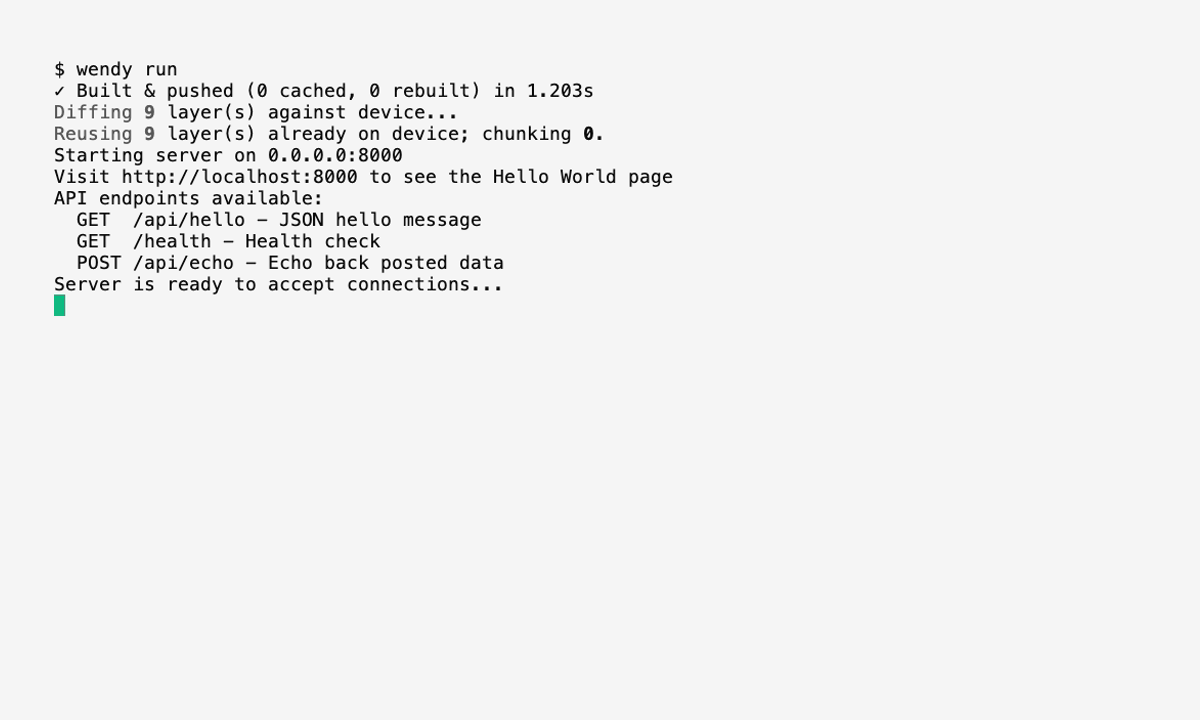
Attached mode streams logs from all services, each line prefixed with the service name:
[talker]    Publishing: 'Hello World: 1'
[listener]  I heard: [Hello World: 1]
Press Ctrl-C to stop the stack. Wendy stops services in reverse dependency order.
Build and run only one service and its dependencies with wendy run --service listener. Wendy resolves the named service through its dependsOn graph and skips everything else.
For the full services schema — including per-service entitlements, frameworks, and validation rules — see Multi-Service Apps with wendy.json.
Alternative: a companion wendy.json over docker-compose.yml
If you already maintain a docker-compose.yml, keep it as the build plan and add a small wendy.json next to it. Compose defines the services, builds, ports, and dependency order; the companion wendy.json adds the Wendy-specific configuration that Compose does not express — such as GPU access or explicit network entitlements.
my-project/
  docker-compose.yml
  wendy.json
  api/
    Dockerfile
  client/
    Dockerfile
# docker-compose.yml
services:
api:
build: ./api
ports:
- "8080:8080"
client:
build: ./client
depends_on:
- apiThe companion wendy.json references the same service names but omits build context (that comes from Compose). It only layers on Wendy settings — here, a GPU entitlement for api:
{
  "appId": "sh.wendy.examples.hellocompose",
  "platform": "linux",
  "services": {
    "api": {
      "entitlements": [
        { "type": "gpu" }
      ]
    },
    "client": {}
  }
}
Deploy it the same way — Wendy detects the Compose project and merges the companion:
wendy runWendy maps a focused subset of Compose into device runtime configuration:
| Compose field | Wendy behavior |
|---|---|
build | Builds a service image. Supports build: ./path and { context, dockerfile, args }. |
image | Uses a prebuilt image. Short public image names are normalized before the device pulls them. |
command | Overrides the container command. Use YAML sequence form for shell scripts or ROS launch commands. |
environment | Injected into the container. Applied with OCI last-wins semantics. |
ports | Adds a network entitlement with explicit port mappings. |
network_mode: host | Adds a host-network entitlement. Useful for ROS 2 service discovery. |
volumes | Converts named volumes into persistent storage entitlements. Host bind mounts are skipped on device. |
depends_on | Creates dependencies before dependents. Detached starts follow the same order, but Wendy does not wait for health checks or readiness conditions. Both list and map forms are accepted. |
restart | Applies no, on-failure, always, or unless-stopped unless a CLI restart flag overrides it. |
Host networking helps ROS 2 discovery, but it does not join IPC namespaces or share /dev/shm between containers. If your stack depends on ROS 2 shared-memory transport or zero-copy camera frames, prefer the one-wendy.json shape above with "isolation": "shared-ipc", which shares the network and IPC namespaces plus /dev/shm across all services.
For the full Compose field reference, see Multi-Service Apps with Docker Compose.
Add persistent data
Use named volumes for data that should survive redeployments — ROS bags, calibration files, generated maps. In a Compose-based project, declare them in docker-compose.yml:
services:
  recorder:
    build: ./recorder
    network_mode: host
    volumes:
      - ros-bags:/bags
    command:
      - bash
      - -lc
      - |
        source /opt/ros/humble/setup.bash
        ros2 bag record -o /bags/session /camera/image_raw

volumes:
  ros-bags:
In a services-map wendy.json, attach a persist entitlement to the service instead:
{
  "services": {
    "recorder": {
      "context": "./recorder",
      "entitlements": [
        { "type": "persist", "name": "ros-bags", "path": "/bags" }
      ]
    }
  }
}
Avoid host bind mounts such as ./bags:/bags for device deployments. Wendy skips bind mounts because local development-machine paths do not exist on the device.
Run in the background
For long-running robot stacks, start the services without attaching logs:
wendy run --detachGenerated app names use the project folder and service name. For the ROS 2 example above, the apps are ros2-stack-talker and ros2-stack-listener.
Useful follow-up commands:
wendy device apps list
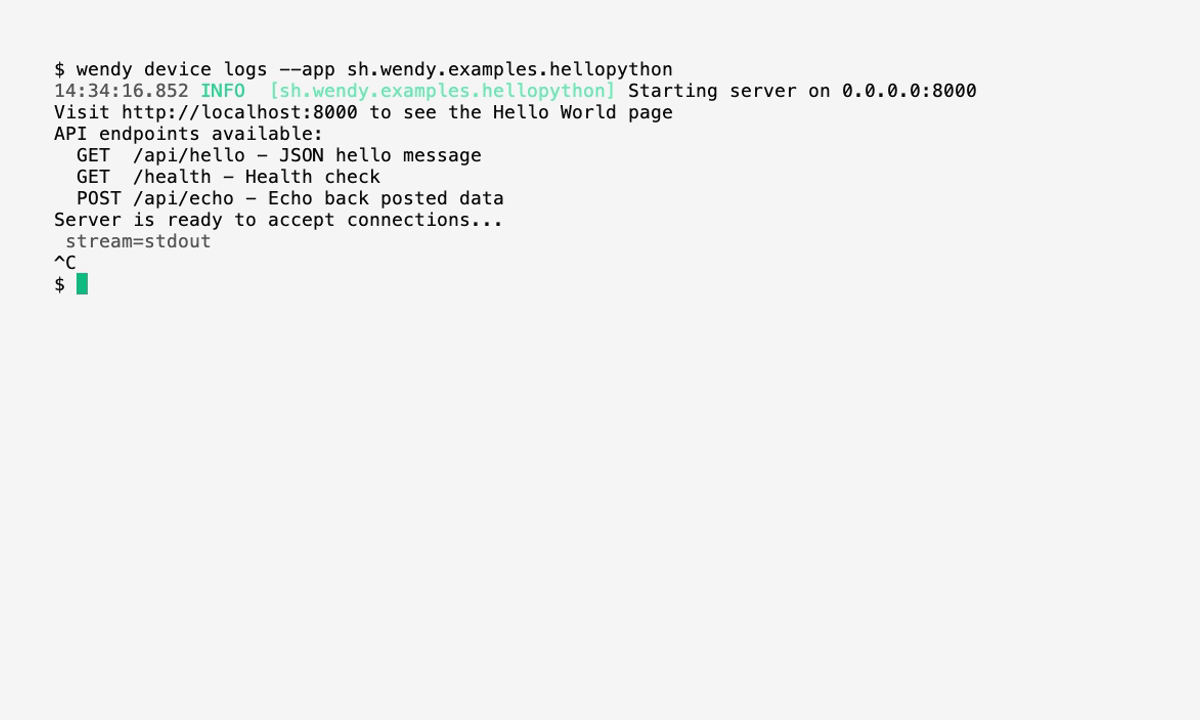
wendy device logs --app ros2-stack-talker
wendy device apps stop ros2-stack-listener
wendy device apps stop ros2-stack-talker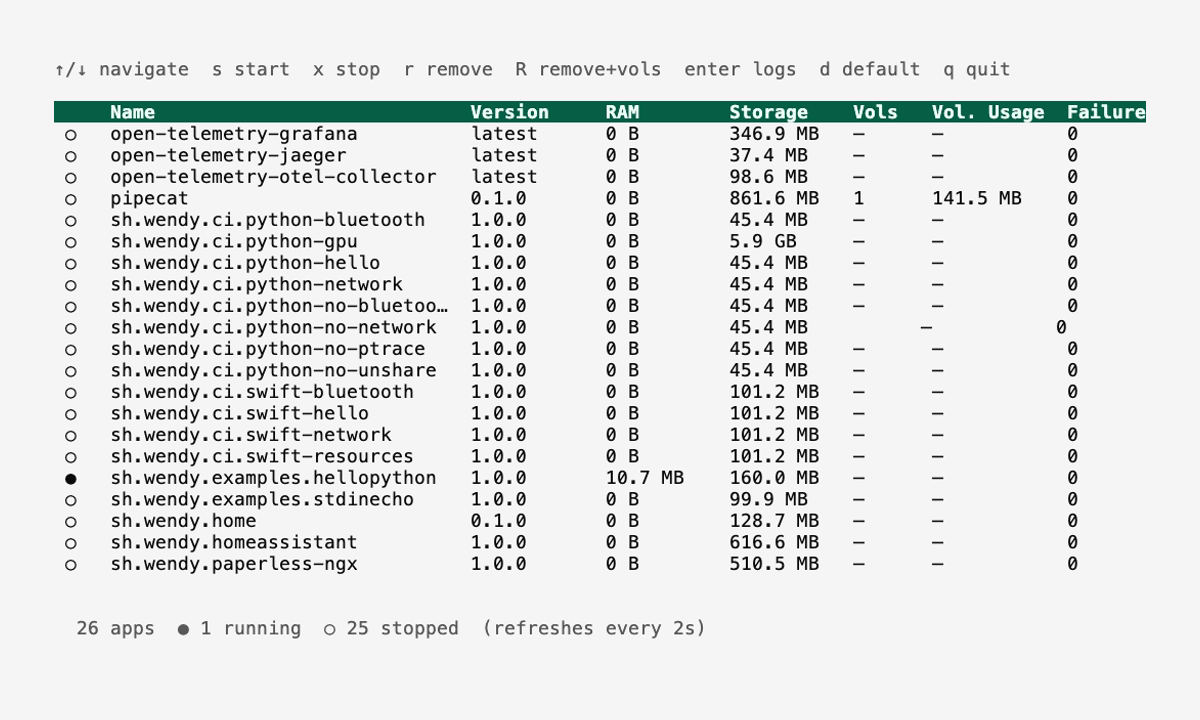
Choosing between the two shapes
Both shapes start from a single wendy.json. Pick by what your services need:
- One Dockerfile per service (
servicesmap). The default. Use it when services need Wendy-specific configuration that Compose does not express — direct camera, GPU, audio, Bluetooth, USB, I2C, GPIO, SPI, shared IPC, runtime presets, framework injection, or service-specific files. Required for ROS 2 shared-memory transport via"isolation": "shared-ipc". - Companion to
docker-compose.yml. Use it when you already have a Compose file or want to keep using Compose tooling, and only need to layer a few Wendy entitlements (GPU, network) on top.
Service-specific readiness probes and postStart hooks are not available for multi-service stacks yet. Today, hooks.postStart applies to single-container wendy.json apps, so a stack cannot trigger a browser opener only after one frontend service becomes ready.