Multi-App Deployments
Run several services on one WendyOS device using a services map or Docker Compose
This guide runs several services on one device. To deploy one image to several devices, follow Build Once, Deploy to Several Devices.
Run a multi-container stack as one deployment
Some projects are naturally split into cooperating containers. This is common for ROS 2 systems: one service publishes sensor data, another runs planning or inference, and a third exposes a dashboard or bridge.
The recommended way to ship a stack like this is a single wendy.json at the project root. It is your one source of truth for the deployment: which services exist, how they build, their start order, and their device entitlements. wendy run (no extra flags) detects the services map and orchestrates the whole stack.
You can shape that wendy.json two ways:
- One Dockerfile per service. Declare a
servicesmap directly inwendy.json, with each service pointing at its own build context. This is the default and gives you full access to Wendy-specific configuration (entitlements, isolation, frameworks). - A companion to
docker-compose.yml. If you already have, or prefer, adocker-compose.yml, keep it and add a small companionwendy.jsonthat layers Wendy-specific settings (such as GPU or network entitlements) on top of the services Compose already defines.
Both shapes deploy with the same command:
wendy runWendy auto-detects the project shape, so you do not need a build-type flag. A wendy.json with a services map takes the multi-service path; a docker-compose.yml is detected as a Compose project (and a companion wendy.json is merged in when present).
Prerequisites
- Wendy CLI installed on your development machine
- A WendyOS device reachable over USB, LAN, or Wendy Cloud
- Docker installed locally so Wendy can build service images
- A project directory with either a
servicesmap inwendy.jsonor a Compose file (docker-compose.yml,docker-compose.yaml,compose.yml, orcompose.yaml)
How Wendy runs compose projects
When you run wendy run in a directory with a compose file, Wendy auto-detects the compose project and uses the compose path before the single-Dockerfile path.
For a WendyOS device target, Wendy:
- Reads the compose file from the project root.
- Builds each service that has a
build:directive for the target device platform. - Pushes built images to the device's embedded registry.
- Uses declared
image:references directly for services withoutbuild:. - Groups the services under one device app named after the project folder, with one container per service (
<project>_<service>). A single-service compose project without a companionwendy.jsonkeeps the legacy<project>-<service>app ID instead; a companion'sappIdalways takes over. - Creates service containers in
depends_onorder. - Starts all services and streams logs with a
[service]prefix.
For ROS 2, set network_mode: host on every service that needs DDS discovery, multicast, or direct host-network communication. Wendy converts that field into a host-network entitlement for the generated service app.
Multi-service projects target Linux/WendyOS devices. Headless Mac does not run multi-container stacks; wendy run rejects them before any build when the selected target is a Mac.
Recommended: one wendy.json, one build descriptor per service
Keep one folder per service, each with its own build descriptor, and describe the stack in wendy.json:
ros2-stack/
  wendy.json
  talker/
    build.stagefile.yaml
  listener/
    build.stagefile.yaml
Each service can use the same shape. For a ROS 2 demo graph — this is Examples/ROS2/talker/build.stagefile.yaml verbatim:
version: 1
stages:
  - name: talker
    from: ros:humble
    install:
      apt:
        packages: [ros-humble-demo-nodes-cpp, ros-humble-rmw-cyclonedds-cpp]
    # ros2 resolves its packages from environment the setup script exports, so
    # entrypoint.source wraps the command in a bash source-then-exec. The argv
    # below is passed through as "$@" and is never parsed by the shell.
    entrypoint:
      source: /opt/ros/humble/setup.bash
      exec: [ros2, run, demo_nodes_cpp, talker]
    # ros:humble declares no user; ROS 2 needs a writable home for its logs,
    # and the compiler's default for a final stage is a non-root UID.
    user: root
A plain Dockerfile per service works the same way; the equivalent is FROM ros:humble, an apt-get layer, and CMD ["bash","-lc","source /opt/ros/humble/setup.bash && exec ros2 run demo_nodes_cpp talker"]. See wendy build for how detection picks between them.
The wendy.json declares both services, the start order, and, for ROS 2, the framework and isolation settings the stack needs:
{
  "appId": "sh.wendy.examples.ros2",
  "platform": "linux",
  "version": "1.0.0",
  "isolation": "shared-ipc",
  "frameworks": {
    "ros2": { "domainId": 42, "rmw": "rmw_cyclonedds_cpp", "distro": "humble" }
  },
  "services": {
    "talker": { "context": "./talker" },
    "listener": {
      "context": "./listener",
      "dependsOn": ["talker"]
    }
  }
}
What this gives you:
frameworks.ros2auto-injectsROS_DOMAIN_ID,RMW_IMPLEMENTATION, andROS_LOCALHOST_ONLY=1by default into every service container, so you do not hand-set ROS environment variables per service. OmitdomainIdand each app gets a stable domain derived from itsappId, so unrelated apps never share a domain by accident. SetdiscoveryScopetohostonly for tools that need to inspect ROS 2 outside their app group.isolation: "shared-ipc"shares the network and IPC namespaces plus/dev/shmacross all services. With DDS pinned to localhost, a shared network namespace is what lets the services discover each other, and the shared/dev/shmis required for Fast DDS shared-memory transport. (CycloneDDS on WendyOS currently runs over loopback with its shared-memory transport disabled.)dependsOnstarts services in dependency order.
Run the stack from the project root:
cd ros2-stack
wendy run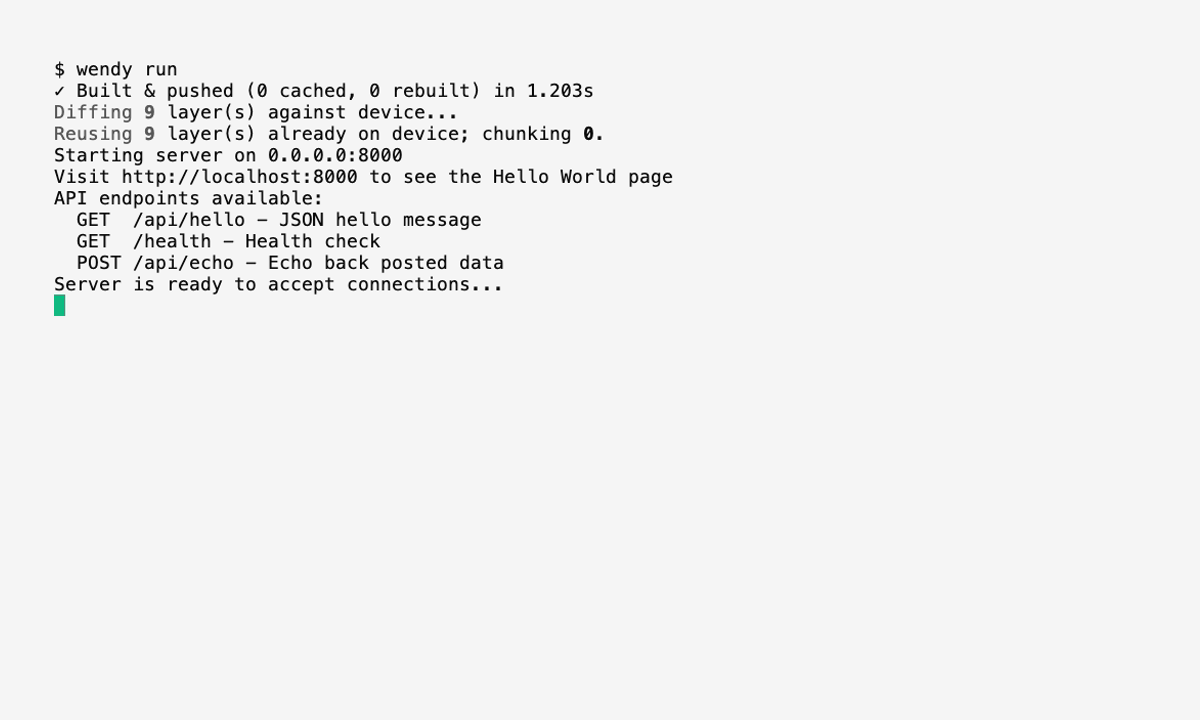
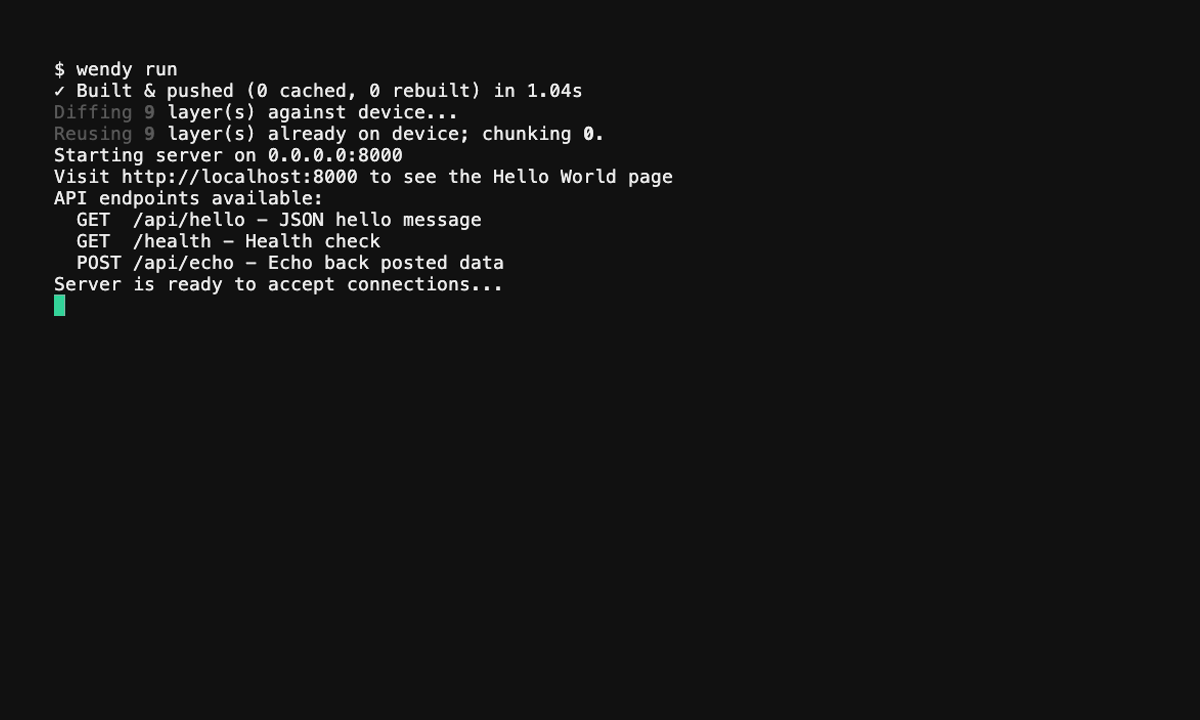
Attached mode streams logs from all services, each line prefixed with the service name:
[talker]    Publishing: 'Hello World: 1'
[listener]  I heard: [Hello World: 1]
Press Ctrl-C to stop the stack. Wendy stops services in reverse dependency order.
Build and run only one service and its dependencies with wendy run --service listener. Wendy resolves the named service through its dependsOn graph and skips everything else.
For the full services schema, including per-service entitlements, frameworks, and validation rules, see Multi-Service Apps with wendy.json.
Alternative: a companion wendy.json over docker-compose.yml
If you already maintain a docker-compose.yml, keep it as the build plan and add a small wendy.json next to it. Compose defines the services, builds, ports, and dependency order; the companion wendy.json adds the Wendy-specific configuration that Compose does not express, such as GPU access or explicit network entitlements.
my-project/
  docker-compose.yml
  wendy.json
  api/
    Dockerfile
  client/
    Dockerfile
# docker-compose.yml
services:
api:
build: ./api
ports:
- "8080:8080"
client:
build: ./client
depends_on:
- apiThe companion wendy.json references the same service names but omits build context (that comes from Compose). It only layers on Wendy settings, here a GPU entitlement for api:
{
  "appId": "sh.wendy.examples.hellocompose",
  "platform": "linux",
  "services": {
    "api": {
      "entitlements": [
        { "type": "gpu" }
      ]
    },
    "client": {}
  }
}
Deploy it the same way. Wendy detects the Compose project and merges the companion:
wendy runWendy maps a focused subset of Compose into device runtime configuration:
| Compose field | Wendy behavior |
|---|---|
build | Builds a service image. Supports build: ./path and { context, dockerfile, args }. |
image | Uses a prebuilt image. Short public image names are normalized before the device pulls them. |
command | Overrides the container command. Use YAML sequence form for shell scripts or ROS launch commands. |
environment | Injected into the container. Applied with OCI last-wins semantics. |
ports | Adds a network entitlement with explicit port mappings. |
network_mode: host | Adds a host-network entitlement. Useful for ROS 2 service discovery. |
volumes | Converts named volumes into persistent storage entitlements. Host bind mounts are skipped on device. |
depends_on | Creates dependencies before dependents. Detached starts follow the same order, but Wendy does not wait for health checks or readiness conditions. Both list and map forms are accepted. |
restart | Applies no, on-failure, always, or unless-stopped unless a CLI restart flag overrides it. |
Host networking helps ROS 2 discovery, but it does not join IPC namespaces or share /dev/shm between containers. If your stack depends on ROS 2 shared-memory transport or zero-copy camera frames, prefer the one-wendy.json shape above with "isolation": "shared-ipc", which shares the network and IPC namespaces plus /dev/shm across all services.
For the full Compose field reference, see Multi-Service Apps with Docker Compose.
Add persistent data
Use named volumes for data that should survive redeployments: ROS bags, calibration files, generated maps. In a Compose-based project, declare them in docker-compose.yml:
services:
  recorder:
    build: ./recorder
    network_mode: host
    volumes:
      - ros-bags:/bags
    command:
      - bash
      - -lc
      - |
        source /opt/ros/humble/setup.bash
        ros2 bag record -o /bags/session /camera/image_raw

volumes:
  ros-bags:
In a services-map wendy.json, attach a persist entitlement to the service instead:
{
  "services": {
    "recorder": {
      "context": "./recorder",
      "entitlements": [
        { "type": "persist", "name": "ros-bags", "path": "/bags" }
      ]
    }
  }
}
Avoid host bind mounts such as ./bags:/bags for device deployments. Wendy skips bind mounts because local development-machine paths do not exist on the device.
Run in the background
For long-running robot stacks, start the services without attaching logs:
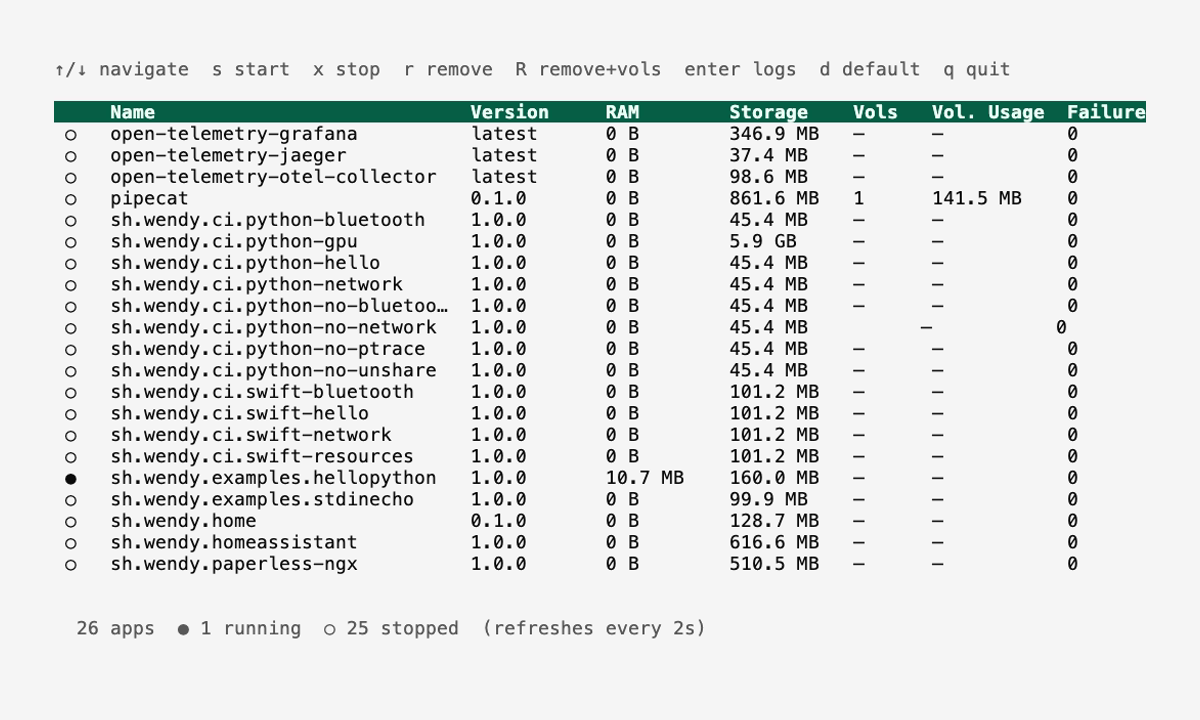
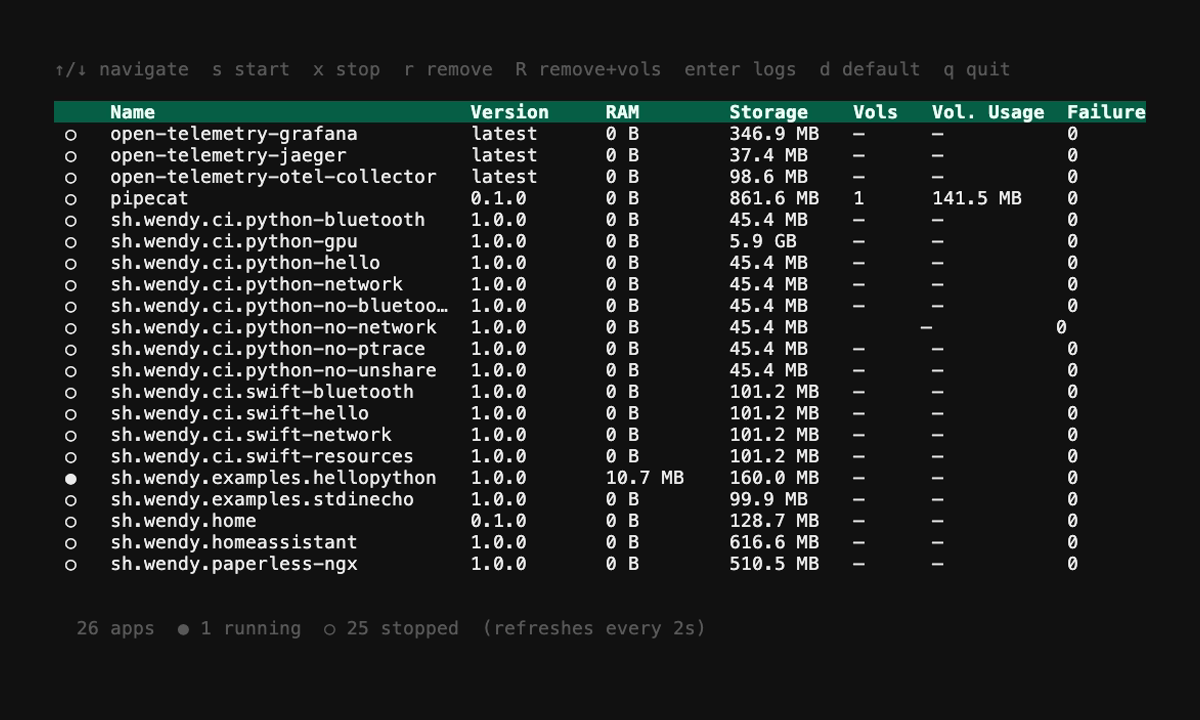
wendy run --detachThe whole stack is one app on the device, named by its appId (for the ROS 2 example above, sh.wendy.examples.ros2), with one container per service. wendy device apps list shows the app as a group with a row per service, and app-level commands act on every service at once:
wendy device apps list
wendy device logs sh.wendy.examples.ros2 --service talker
wendy device apps stop sh.wendy.examples.ros2
A compose project without a companion wendy.json is grouped the same way under the project folder name, except a single-service compose project, which keeps the legacy <project>-<service> app ID.
Choosing between the two shapes
Both shapes start from a single wendy.json. Pick by what your services need:
- One Dockerfile per service (
servicesmap). The default. Use it when services need Wendy-specific configuration that Compose does not express: direct camera, GPU, audio, Bluetooth, USB, I2C, GPIO, SPI, shared IPC, runtime presets, framework injection, or service-specific files. Required for ROS 2 shared-memory transport via"isolation": "shared-ipc". - Companion to
docker-compose.yml. Use it when you already have a Compose file or want to keep using Compose tooling, and only need to layer a few Wendy entitlements (GPU, network) on top.
Both shapes support service-scoped readiness probes and postStart hooks, so a stack can, for example, open a browser only after its frontend service becomes ready. In a services map, declare services.<name>.readiness and services.<name>.hooks (see Multi-Service Apps with wendy.json); in a compose file, use the x-wendy extension per service (see Multi-Service Apps with Docker Compose).