Bluetooth access
Scan, pair, connect, and use Bluetooth devices with WendyOS apps
Bluetooth Access
Bluetooth access is used for BLE sensors, controllers, audio accessories, serial devices, and paired peripherals. WendyOS keeps Bluetooth interfaces unavailable to apps unless the app declares a Bluetooth entitlement.
Add the entitlement from your project directory:
wendy project entitlements add bluetoothIf your app needs a specific Bluetooth mode, use the detailed entitlement options:
wendy project entitlements add takes no --mode flag — it prompts for the
mode interactively:
wendy project entitlements add bluetoothYou can also set it directly in wendy.json:
{ "entitlements": [{ "type": "bluetooth", "mode": "kernel" }] }Use kernel for low-level HCI socket access. Use bluez for standard Linux Bluetooth workflows through BlueZ.
Wendy Net over Bluetooth
Wendy Net can connect nearby WendyOS devices over Bluetooth Low Energy (BLE) when a faster connection is unavailable. Devices must be enrolled in the same organization and use a WendyOS image with full Wendy Net support. Bluetooth pairing is automatic; your apps need no Bluetooth entitlement for these links.
Devices automatically avoid retransmitting certificate authorities they already have. Initial connections or connections after a certificate change may take longer. No manual certificate configuration is needed.
Enable Bluetooth networking
Run this for each participating device:
wendy net configure --device <device> --participate=true --ble=true
wendy net status --device <device>
wendy net topology --device <device>
Check the topology for connected peers. Enabling the setting alone does not
confirm a working link. Omitted options preserve existing settings. To turn
Bluetooth networking off, use the same configure command with --ble=false.
Changing saved settings can interrupt active Wendy Net connections.
WendyOS can use Bluetooth and Wi-Fi Aware together when the hardware supports them.
Add --nan=true to enable Wi-Fi Aware. Lite profiles have different carrier
limits: C5 with PSRAM can use Bluetooth and Wi-Fi, while the constrained C6 profile
selects one carrier and does not support NAN. Follow the
Lite configuration and automatic discovery guide.
Radio profile and transmit power
Start with normal mode for compatibility. Supported ESP32-C5/C6 Lite firmware and WendyOS adapters also offer coded profiles that trade throughput for range. Check support on both peers before switching: an ESP device scanning in normal mode cannot discover coded advertisements. On WendyOS, the controller chooses the advertising coding scheme; S2/S8 select a connected-data preference.
Devices without a saved power policy retain the firmware/controller default; maximum power requires an explicit request. Advertising power and connected-link power are separate controls. WendyOS can set advertising power only when the adapter exposes support, and cannot set non-default connection power on WendyOS.
Use wendy device bluetooth mode --device <device> and
wendy device bluetooth power --device <device> to inspect settings. See the
radio command reference
for platform support, profile selection, output fields and recovery. Keep a
working management path while changing profiles; a Lite profile change can
restart the device.
Capacity and recovery
Bluetooth has limited bandwidth and connection capacity. WendyOS supports up to three simultaneous Wendy Net Bluetooth neighbours. Lite discovers peers automatically; its own connection limit depends on its firmware and memory profile. Prefer Ethernet or Wi-Fi for large transfers. Cold connections across several Bluetooth hops can be slow.
The agent retries when an adapter or peer returns, but a powered-off or faulty controller may need attention. Check agent logs if no link appears. A full agent restart requires fresh authentication and can take longer to reconnect.
These links are separate from the device picker's Bluetooth discovery and from sensor or peripheral access below. Apps that use Bluetooth peripherals still need the appropriate entitlement.
Operator connections
Operator-capable WendyOS agents can accept authenticated CLI router connections over Bluetooth. The CLI also needs operator routing and discovery support; agent-side admission alone does not start a router on your computer. The agent must trust your organization's primary operator certificates.
WendyOS reserves one separate slot for an operator connection, in addition to its device-neighbour slots. All connections share the adapter's bandwidth and hardware connection limits. Your computer authenticates with its operator certificate; it does not need to be enrolled as a device.
Scan for Devices
Run the Bluetooth command without subcommands to open an interactive table for browsing and managing peripherals:
wendy device bluetoothThe table shows device name, address, type, pairing state, and connection state. Use arrow keys to navigate, enter to connect, d to disconnect, f to forget, r to rescan, and q to quit.
For scripting or CI, use the list subcommand:
wendy device bluetooth listConnect and Pair
In the interactive table, select a device and press enter to connect.
To connect from a script, specify the address:
wendy device bluetooth connect AA:BB:CC:DD:EE:FFBy default, the CLI pairs and trusts the device. You can disable either behavior:
wendy device bluetooth connect AA:BB:CC:DD:EE:FF --pair=false --trust=falseDisconnect without forgetting the pairing:
wendy device bluetooth disconnect AA:BB:CC:DD:EE:FFOr select the connected device in the interactive table and press d.
Forget a paired device:
wendy device bluetooth forget AA:BB:CC:DD:EE:FFOr select the paired device in the interactive table and press f.
Audio Peripherals
A trusted speaker, headset, or microphone reconnects on its own in the cases that matter for an unattended device:
| Situation | Reconnects |
|---|---|
| The peripheral is switched on while the device is running | Yes — the peripheral initiates |
| The peripheral goes out of range and returns | Yes, if it returns within about two minutes |
| The device reboots with the peripheral already on | Yes, shortly after boot |
| The peripheral is switched off | No, by design |
Reconnection after a reboot happens once per boot, and only for peripherals that are trusted — the default when you connect with wendy device bluetooth connect. It will not undo a deliberate disconnect, and it waits for the audio stack to be ready, so on a Raspberry Pi expect it a minute or two after boot rather than immediately.
At most one output and one input are reconnected automatically. Connect any others yourself.
Playback and capture need the audio entitlement, not just bluetooth; see Speaker access and Microphone access.
Game Controllers and Other HID Devices
When a Bluetooth LE HID device (a gamepad, keyboard, mouse or RC-style controller) stops responding, the kernel only drops it after the link's supervision timeout. Many controllers ask for 3 s, which is 3 s of an app acting on the last input it received. The agent keeps every BLE HID link it is central on at 500 ms, re-applying it whenever the device asks for more. A dead link then removes the controller's input device in about half a second.
wendy device bluetooth list shows the value in force in the Link timeout column: 0.5 s at the agent's value, or 3.0 s (device) if a device kept restoring its own value and the agent stopped overriding it.
Set a different value, or 0 to leave devices at whatever they ask for, in /etc/default/wendy-agent and restart the agent:
WENDY_BT_HID_SUPERVISION_TIMEOUT_MS=500Values from 100 to 32000 ms are accepted. The file lives on the OS partition, so an OS update resets it.
Classic Bluetooth controllers (DualSense, DualShock 4, Switch Pro) are not covered yet.
The agent logs every Bluetooth disconnect with its reason. connection timeout means the link was lost; remote user terminated connection means the device was switched off.
App Configuration
A minimal Bluetooth app uses:
{
  "appId": "com.example.bluetooth",
  "platform": "linux",
  "version": "1.0.0",
  "entitlements": [
    { "type": "bluetooth", "mode": "bluez" }
  ]
}
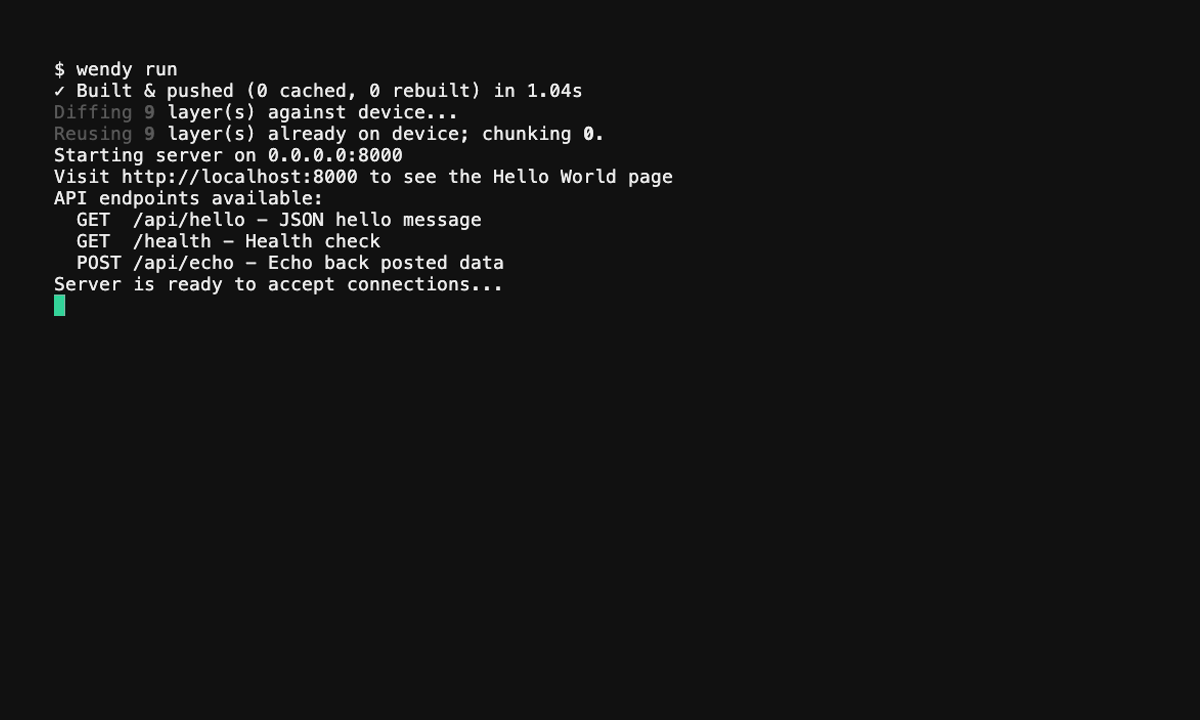
Then deploy:
wendy run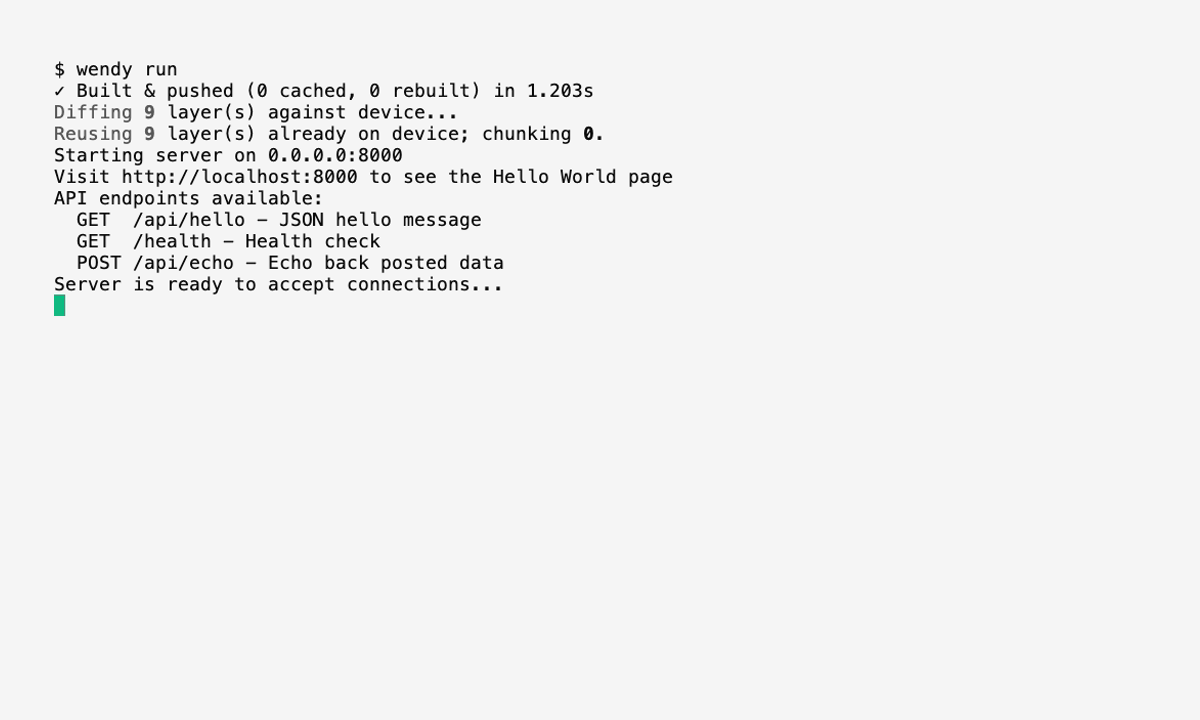
App Recovery After Restarts
WendyOS recreates the app's filtered BlueZ D-Bus proxy before a stopped container starts, including after a device reboot. If only the Wendy agent restarts, it restores the proxy socket without restarting the running container. Existing D-Bus connections close with the old proxy, so the app or its Bluetooth library must reconnect to the restored socket. No redeploy is required.