Managing Apps
Manage apps on your WendyOS device using the Wendy CLI
Managing Apps on WendyOS Devices
The Wendy CLI can help you manage apps on your WendyOS device. This works over USB connections and over your Local Area Network (LAN).
Prerequisites
- Wendy CLI installed on your development machine
- A WendyOS device (NVIDIA Jetson or Raspberry Pi 5) either:
- Connected via USB cable, or
- Connected to the same network as your development machine
Running Apps
All WendyOS apps are container-based and need a build descriptor in your project directory: a build.stagefile.yaml (a Stagefile — see wendy build), a Dockerfile/Containerfile, or a compose file. When you run wendy run, the CLI automatically prepares the local build environment, builds your container image for the ARM64 architecture, and ships it directly to your WendyOS device.
Most projects under Examples/ use a Stagefile and are worth reading as reference.
Basic Usage
Navigate to your project directory (containing one of the above) and run:
wendy run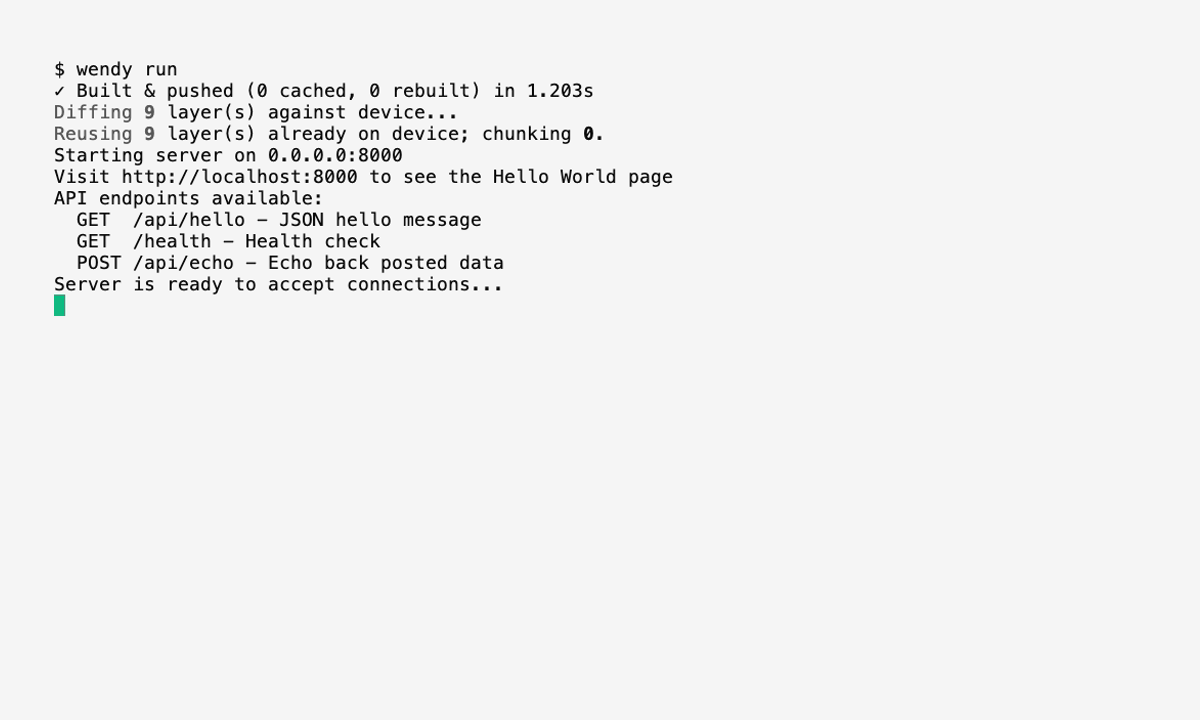
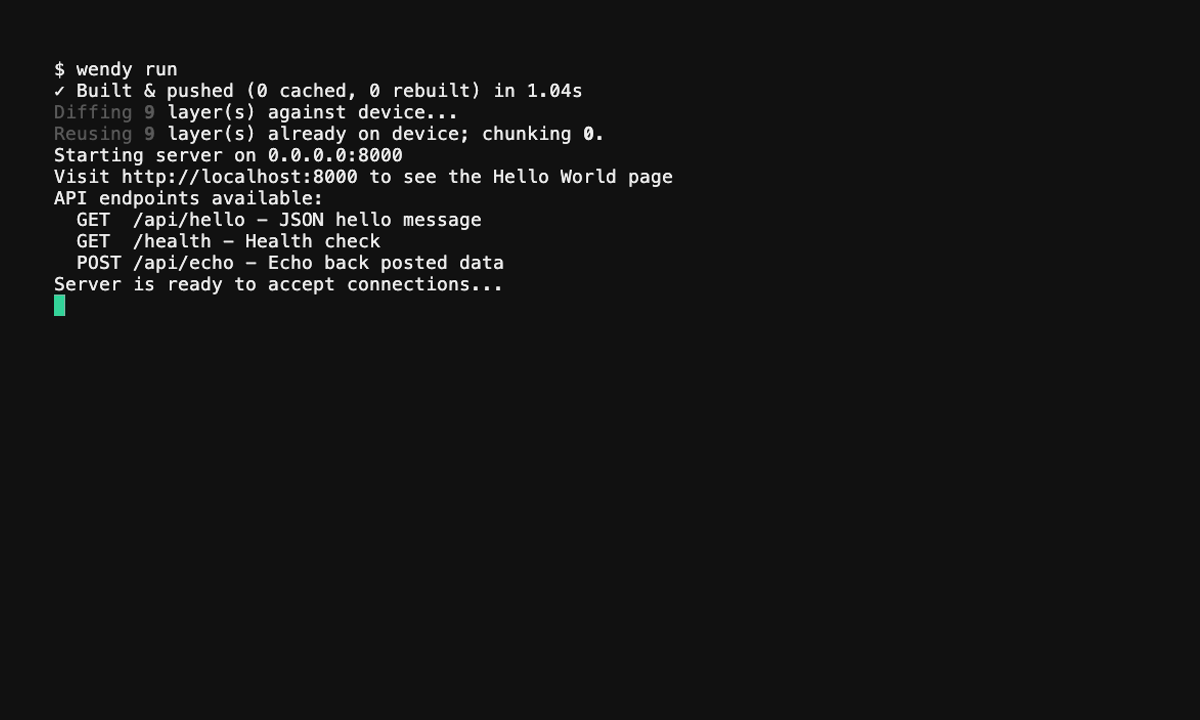
The CLI will:
- Build your container image for ARM64
- Push the image to your WendyOS device's local registry
- Create and start the container
- Stream logs back to your terminal
When the app exposes a web service, wendy run may also print a reachable URL:
App reachable at http://192.168.123.222:3000This appears when wendy.json defines either hooks.postStart.openURL with WENDY_HOSTNAME or a readiness.tcpSocket.port. The CLI prints a device IP address instead of a .local hostname so the URL is easier to open in a browser.
First Run Performance
The first time you run an app, the build and transfer process may take longer, especially for large applications with many dependencies. For the best experience:
- Use a USB 3.0 cable connected directly to your WendyOS device for faster transfer speeds
- Ensure your device has a stable connection (USB or LAN)
Subsequent runs are significantly faster because Docker caches layers that haven't changed. Only modified layers need to be rebuilt and transferred.
Run Modes
# Development mode (default) - streams logs, stops on Ctrl+C
wendy run

# Detached mode - runs in background
wendy run --detach

# Deploy mode - create/update the container without starting it
wendy run --deploy

# Start with a restart policy
wendy run --restart-on-failure
wendy run --restart-unless-stopped
Python Projects
For Python projects with no build descriptor at all — no Stagefile, no Dockerfile or Containerfile — the Wendy CLI can automatically generate one. It detects:
- Entry points (
main.py,app.py, etc.) - Frameworks (Flask, FastAPI, Django)
- Dependencies from
requirements.txtorpyproject.toml - PyTorch/TensorFlow (uses optimized Jetson base images)
Simply run wendy run in your Python project directory and confirm the generated Dockerfile.
Listing Apps
To discover all available WendyOS devices, run:
wendy device apps list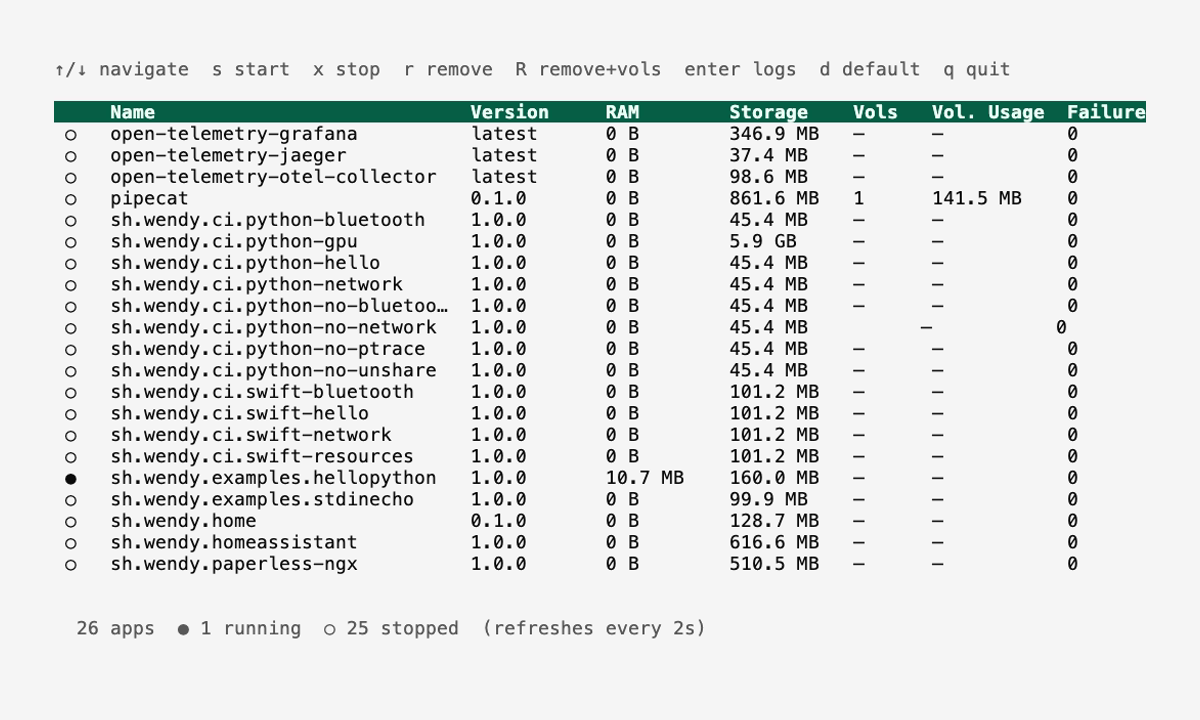
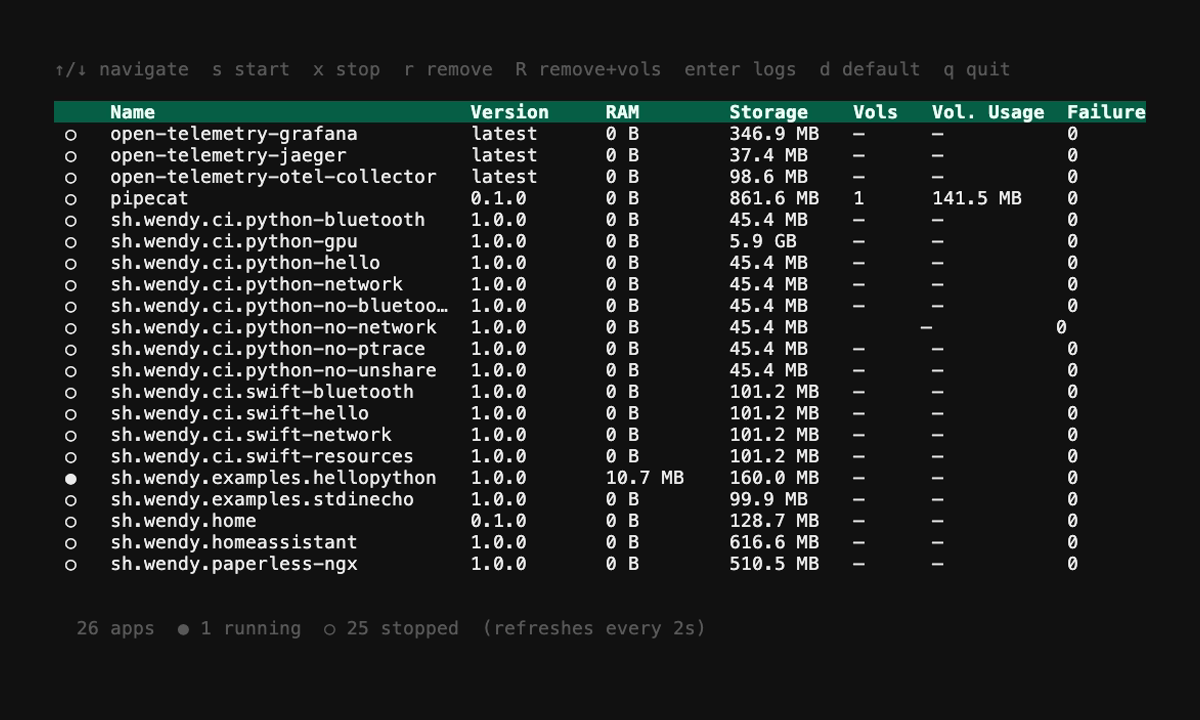
An example output is:
wendy device apps list
✔︎ Searching for WendyOS devices [5.1s]
✔︎ Listing applications: True Probe [USB, Ethernet, LAN]
╭───┬───────────────┬─────────┬───────┬──────────┬────────╮
│   │ Name          │ Version │ Port  │ Failures │ Reason │
├───┼───────────────┼─────────┼───────┼──────────┼────────┤
│ ● │ hello-world   │ 0.0.1   │       │ 0        │        │
│ ● │ simple-server │ 0.0.0   │ 8080  │ 0        │        │
╰───┴───────────────┴─────────┴───────┴──────────┴────────╯
The leftmost column is a state icon, not a text column: a green ● is running, a dim ● is stopped, and a red ↻ is crash-looping. The Reason column carries the explanation when one is available.
- Stopped (dim
●) means that the app is on the WendyOS device, but not running. This is common where the app runs once and exits. This doesn't necessarily mean that the state of the app is bad, especially if theFailurescolumn is 0. Commonly long running applications like web servers will not be in this state. - Running (green
●) means that the app is running on the WendyOS device. - Crash-looping (red
↻) means the app is not running right now, but the agent's restart policy is actively restarting it. The app has been automatically restarted at least once (theFailurescolumn shows how many times) and will be started again. Inwendy device apps listand the apps dashboard this state is shown with a red↻icon to distinguish it from an ordinaryStoppedapp. View the crash output withwendy device logs --app <name>. Failuresmeans that the app has failed to start. This is common if the app is not properly configured.
Stopping an App
To stop an app, run:
wendy device apps stop <app-name>An example output is:
✔︎ Searching for WendyOS devices [5.2s]
✔︎ Stopping application: True Probe [USB, Ethernet, LAN]
i Info
  Stop request sent
And then you can verify the app is stopped by listing the apps again:
wendy device apps list
✔︎ Searching for WendyOS devices [5.1s]
✔︎ Listing applications: True Probe [USB, Ethernet, LAN]
╭───┬───────────────┬─────────┬───────┬──────────┬────────╮
│   │ Name          │ Version │ Port  │ Failures │ Reason │
├───┼───────────────┼─────────┼───────┼──────────┼────────┤
│ ● │ hello-world   │ 0.0.1   │       │ 0        │        │
│ ● │ simple-server │ 0.0.0   │       │ 0        │        │
╰───┴───────────────┴─────────┴───────┴──────────┴────────╯
Starting an App
To start an app, run:
wendy device apps start <app-name>An example output is:
wendy device apps start simple-server
✔︎ Searching for WendyOS devices [5.2s]
✔︎ Starting application: True Probe [USB, Ethernet, LAN]
i Info
  Start request sent
And then you can verify the app is started by listing the apps again:
wendy device apps list
✔︎ Searching for WendyOS devices [5.0s]
✔︎ Listing applications: True Probe [USB, Ethernet, LAN]
╭───┬───────────────┬─────────┬───────┬──────────┬────────╮
│   │ Name          │ Version │ Port  │ Failures │ Reason │
├───┼───────────────┼─────────┼───────┼──────────┼────────┤
│ ● │ hello-world   │ 0.0.1   │       │ 0        │        │
│ ● │ simple-server │ 0.0.0   │ 8080  │ 0        │        │
╰───┴───────────────┴─────────┴───────┴──────────┴────────╯
Removing an App
To remove an app, run:
wendy device apps remove <app-name>An example output is:
wendy device apps remove simple-server
✔︎ Searching for WendyOS devices [5.2s]
? Remove simple-server? This cannot be undone. Yes
✔ Application simple-server removed.
Use --force to skip the confirmation prompt:
wendy device apps remove simple-server --forceWhen connected to a WendyOS agent, you can also clean up storage owned by the app:
# Delete the container image too
wendy device apps remove simple-server --cleanup

# Delete persistent volumes under /var/lib/wendy/volumes too
wendy device apps remove simple-server --delete-volumes