SO-101 follower simulator
Run a virtual six-joint LeRobot SO-101 arm on macOS or Linux.
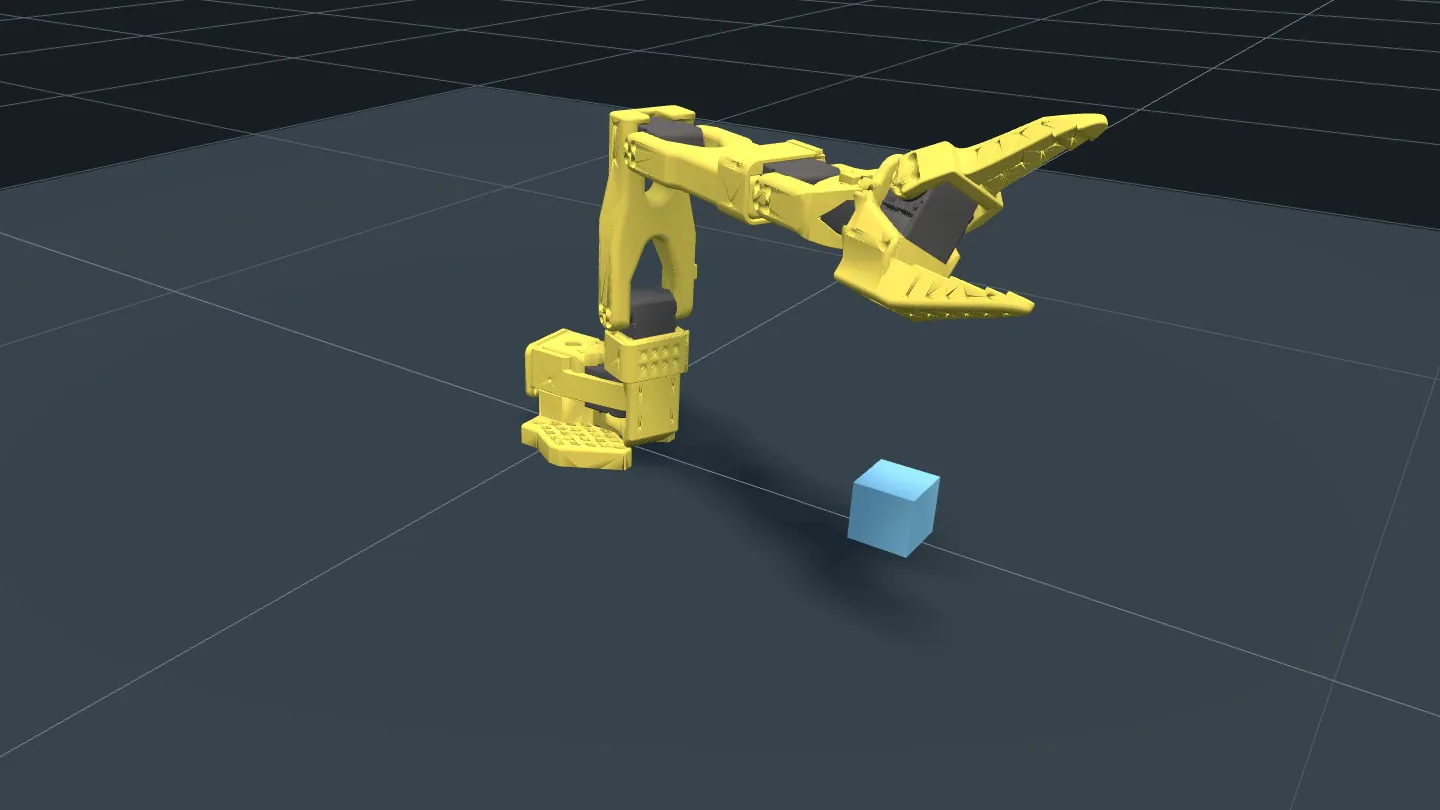
The built-in so101 profile runs the official SO-101 follower model in MuJoCo.
It is virtual only and needs no physical arm, USB device, camera or GPU.
wendy vm create arm-sim --profile so101
wendy vm robot start arm-sim
wendy vm robot status arm-sim
wendy vm robot open arm-sim
wendy vm robot reset arm-sim
Creation leaves the VM stopped. Starting or connecting to vm:arm-sim builds
and starts its managed runtime. The first start downloads pinned model assets
and runtime dependencies. The viewer has six joint sliders, pause, reset and
a wave demo.
Unlike the Go2, G1 and ROSMASTER R2 profiles, SO-101 has no ROS 2 or DDS interface. Control it through the viewer or the runtime's HTTP API.
You can also choose SO-101 under wendy discover → Simulator → Create.
wendy vm robot restart arm-sim recovers runtime failures, while
wendy vm robot update arm-sim applies the current CLI's runtime source.
Stop only this VM with wendy vm stop arm-sim.
If the CLI says the guest agent needs an update, run the update command it provides, then start the simulator again.
Use the existing QEMU VM setup on macOS or Linux. Apple Silicon uses HVF; ARM64 Linux uses KVM when available. Linux hosts using software ARM64 emulation are slower. The default profile requests 4 CPUs and 4096 MiB.
The simulator uses the official SO-101 follower model, with its license and attribution included in the runtime. It does not control a physical arm.
Next steps
- Simulator covers VM requirements and troubleshooting.
- Program a simulated robot is a guided tutorial with the Go2.