Hello World in Rust
Create your first WendyOS application using Rust
Creating Your First Rust Application
This guide will walk you through creating your first WendyOS application in Rust. The Wendy Rust template scaffolds a small, long-running HTTP server (built with Axum) so you can prove out the full workflow: build on your machine, deploy over USB or Wi-Fi, and open the running app in your browser.
Prerequisites
- Wendy CLI installed on your development machine
- Rust 1.85 or later installed (via
rustup) - A WendyOS device plugged in over USB or connectable over Wi-Fi
Containerized Deployment: Unlike Swift, which compiles natively for WendyOS, Rust applications run inside containers on your WendyOS device. The Wendy CLI handles the local build setup when deploying Rust applications.
Creating the Project
Initialize the Project
Start from the Wendy Rust template:
wendy init hello-world --target wendyos --language rust --template simple-api --var APP_ID=hello-world --var PORT=4001 --assistant skip --git-init no
cd hello-world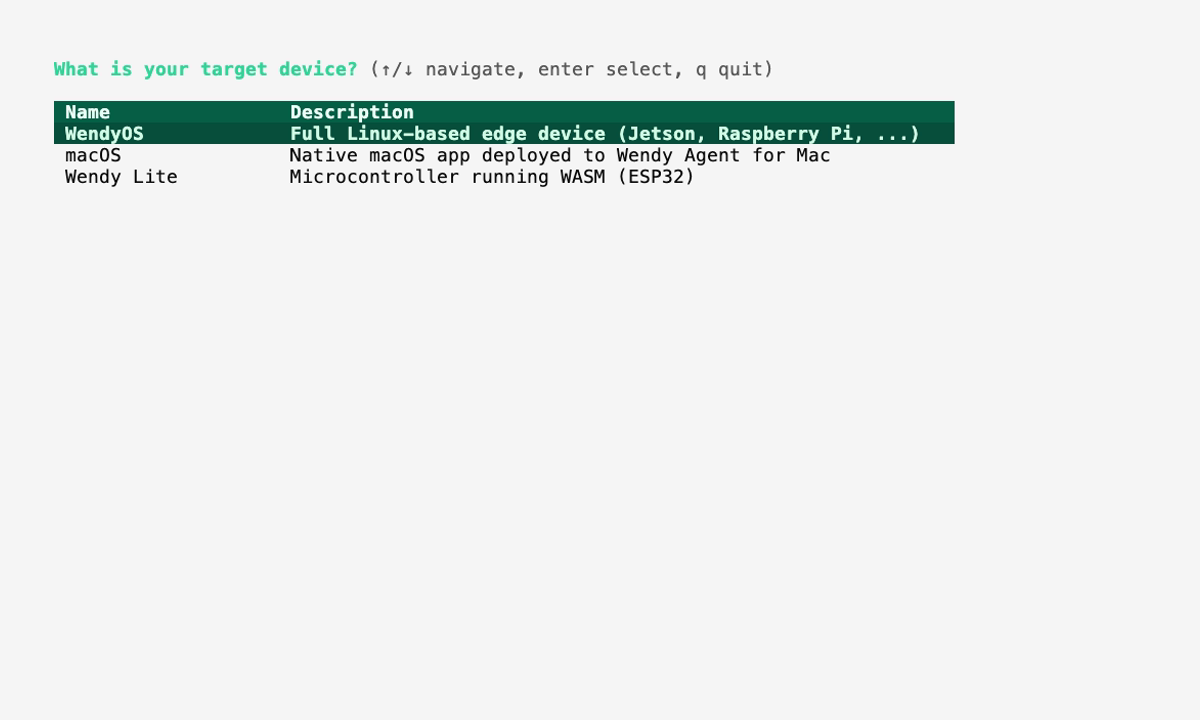
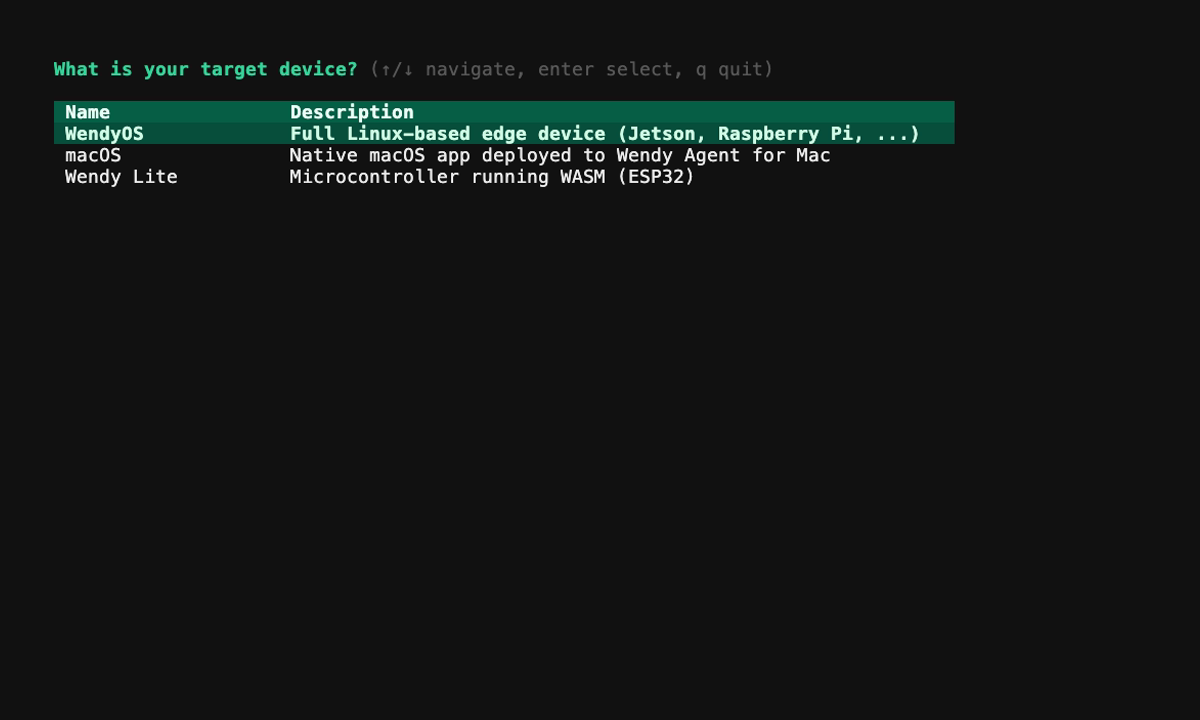
The template creates Cargo.toml, src/main.rs, Dockerfile, and wendy.json. Continue below to understand the generated project.
Run on WendyOS
wendy run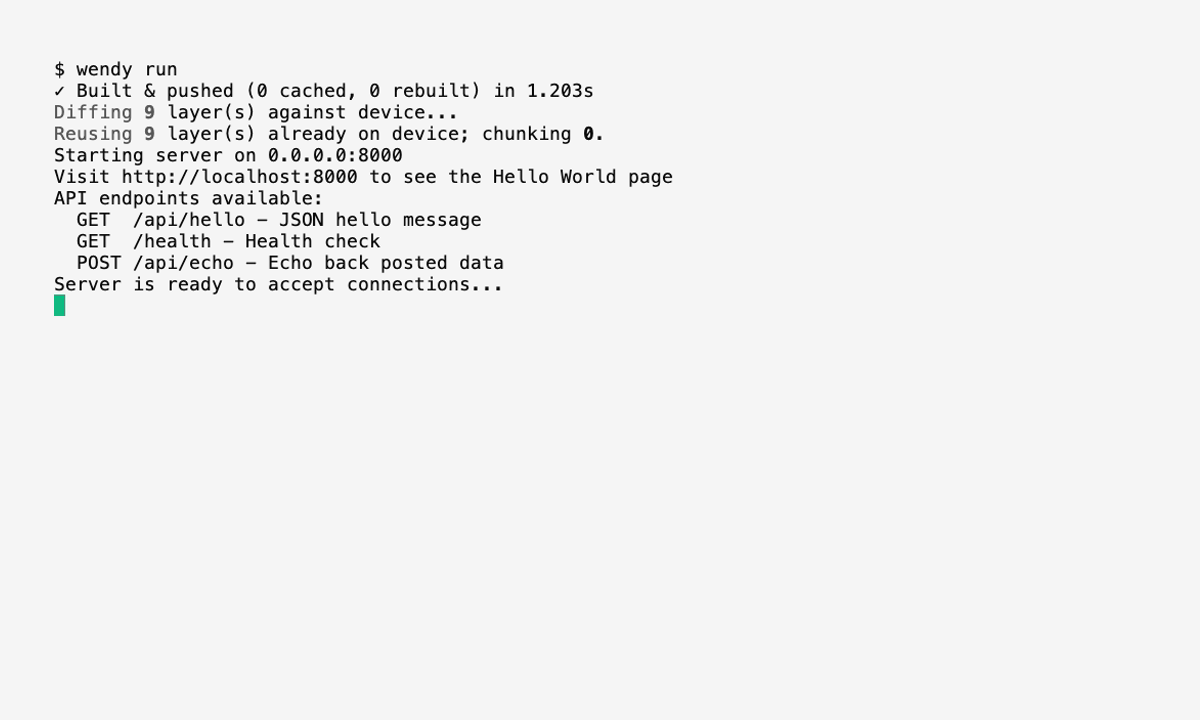
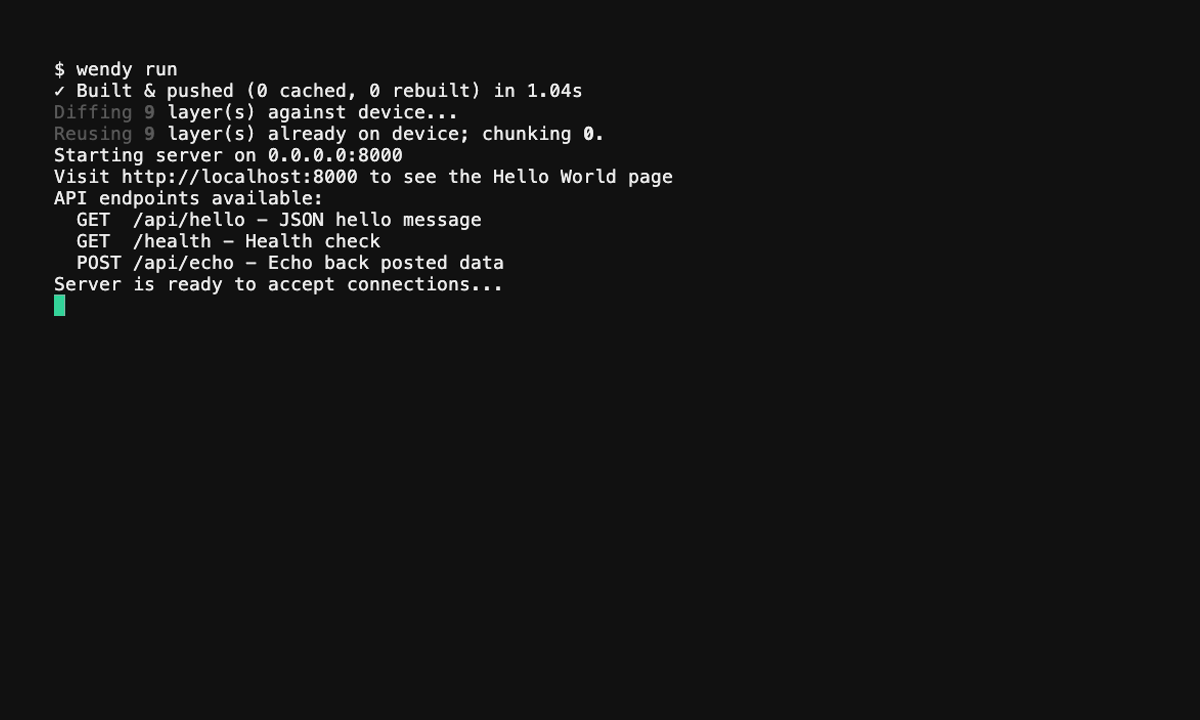
Wendy will build the app, ask you to select a device if one is not already configured, deploy the app, and show the run output. Because the app is a web server, it keeps running and your browser opens to it automatically (see the postStart hook below).
Code Breakdown
Explore the Project Structure
The initialized project has this structure:
hello-world/
├── Cargo.toml
├── Dockerfile
├── wendy.json
└── src/
    └── main.rs
The main application code is in src/main.rs.
Verify the Code
The generated src/main.rs starts an Axum HTTP server. The root route (/) returns a JSON message, and there are also /health and POST /items routes to demonstrate JSON handling:
use axum::{
    http::StatusCode,
    routing::{get, post},
    Json, Router,
};
use serde::{Deserialize, Serialize};
use std::env;

#[tokio::main]
async fn main() {
    let hostname = env::var("WENDY_HOSTNAME").unwrap_or_else(|_| "0.0.0.0".to_string());

    let app = Router::new()
        .route("/", get(root))
        .route("/health", get(health))
        .route("/items", post(create_item));

    let listener = tokio::net::TcpListener::bind("0.0.0.0:4001").await.unwrap();
    println!("Server running on http://{}:4001", hostname);
    axum::serve(listener, app).await.unwrap();
}

async fn root() -> Json<serde_json::Value> {
    println!("Received request: GET /");
    Json(serde_json::json!({"message": "hello-world"}))
}

async fn health() -> Json<serde_json::Value> {
    Json(serde_json::json!({"status": "ok"}))
}

async fn create_item(Json(payload): Json<CreateItem>) -> (StatusCode, Json<ItemResponse>) {
    println!("Received request: POST /items - {}", payload.name);
    let item = ItemResponse {
        id: 1,
        name: payload.name,
        price: payload.price,
    };
    (StatusCode::CREATED, Json(item))
}

#[derive(Deserialize)]
struct CreateItem {
    name: String,
    price: f64,
}

#[derive(Serialize)]
struct ItemResponse {
    id: u64,
    name: String,
    price: f64,
}
It's a server, not a one-shot script: This app binds to 0.0.0.0:4001 and serves requests until it's stopped, so it stays in the Running state on your device. Requesting / returns {"message":"hello-world"}.
Verify Cargo.toml
Your Cargo.toml declares the Axum, Tokio, and Serde dependencies:
[package]
name = "hello-world"
version = "0.1.0"
edition = "2021"

[dependencies]
axum = "0.8.8"
tokio = { version = "1", features = ["full"] }
serde = { version = "1", features = ["derive"] }
serde_json = "1"
Generated Dockerfile
The generated project includes a multi-stage Dockerfile that builds the release binary with rust:1.85-slim and runs it on debian:bookworm-slim:
FROM rust:1.85-slim AS builder

WORKDIR /app
COPY Cargo.toml ./
COPY src ./src

RUN cargo build --release

FROM debian:bookworm-slim

RUN apt-get update && apt-get install -y --no-install-recommends \
    ca-certificates \
    && rm -rf /var/lib/apt/lists/*

COPY --from=builder /app/target/release/hello-world /usr/local/bin/hello-world

EXPOSE 4001

CMD ["hello-world"]
Generated wendy.json
The generated wendy.json already wires up a readiness probe and a postStart hook, so the CLI waits for port 4001 and then opens your browser to the running app — you don't add these by hand:
{
    "appId": "hello-world",
    "platform": "linux",
    "version": "0.1.0",
    "entitlements": [
        {
            "type": "network"
        }
    ],
    "readiness": {
        "tcpSocket": { "port": 4001 },
        "timeoutSeconds": 30
    },
    "hooks": {
        "postStart": {
            "cli": "wendy utils open-browser http://${WENDY_HOSTNAME}:4001"
        }
    }
}
Run Again on WendyOS
Deploy your containerized application to your WendyOS device:
wendy runThe Wendy CLI will build your Docker image, transfer it to your device, and run it. Once port 4001 is accepting connections, your browser opens automatically to http://<your-device-hostname>:4001, where you'll see:
{"message":"hello-world"}Verifying Deployment on Your Device
After deploying your application to a WendyOS device, you can verify it is running by listing the applications on your device:
wendy device apps list
✔︎ Searching for WendyOS devices [5.3s]
✔︎ Listing applications: True Probe [USB, Ethernet, LAN]
╭───────────────┬─────────┬─────────┬──────────╮
│ App           │ Version │ State   │ Failures │
├───────────────┼─────────┼─────────┼──────────┤
│ hello-world   │ 0.1.0   │ Running │ 0        │
╰───────────────┴─────────┴─────────┴──────────╯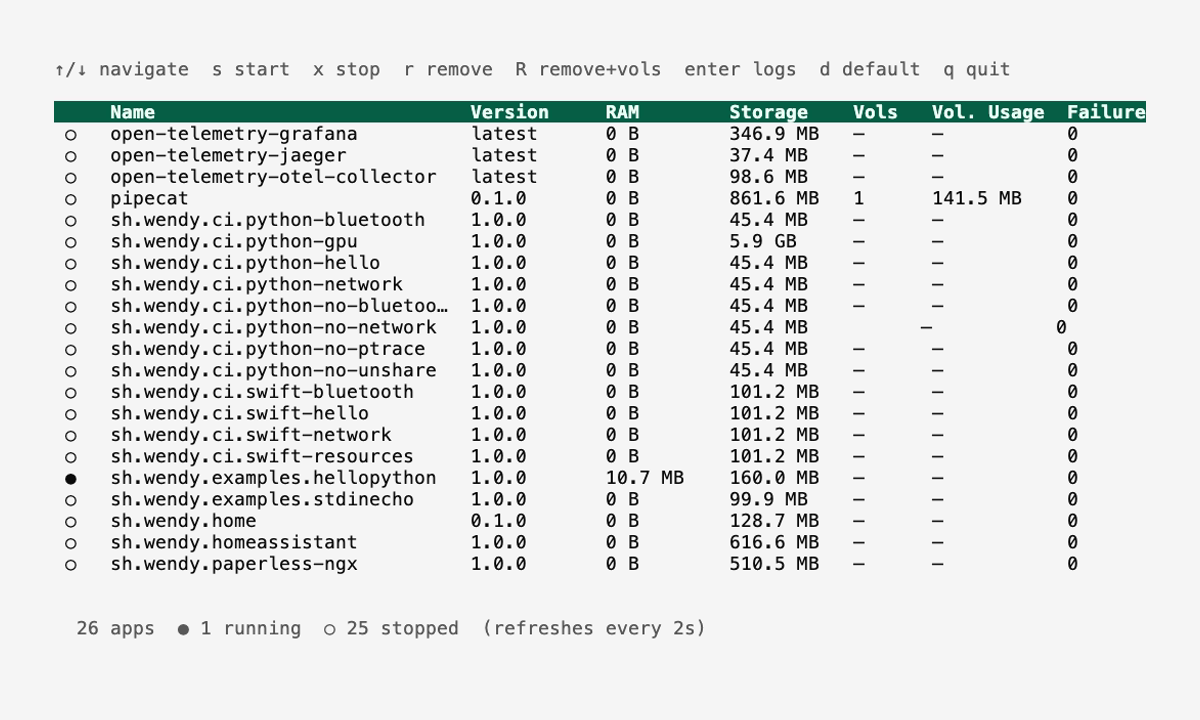
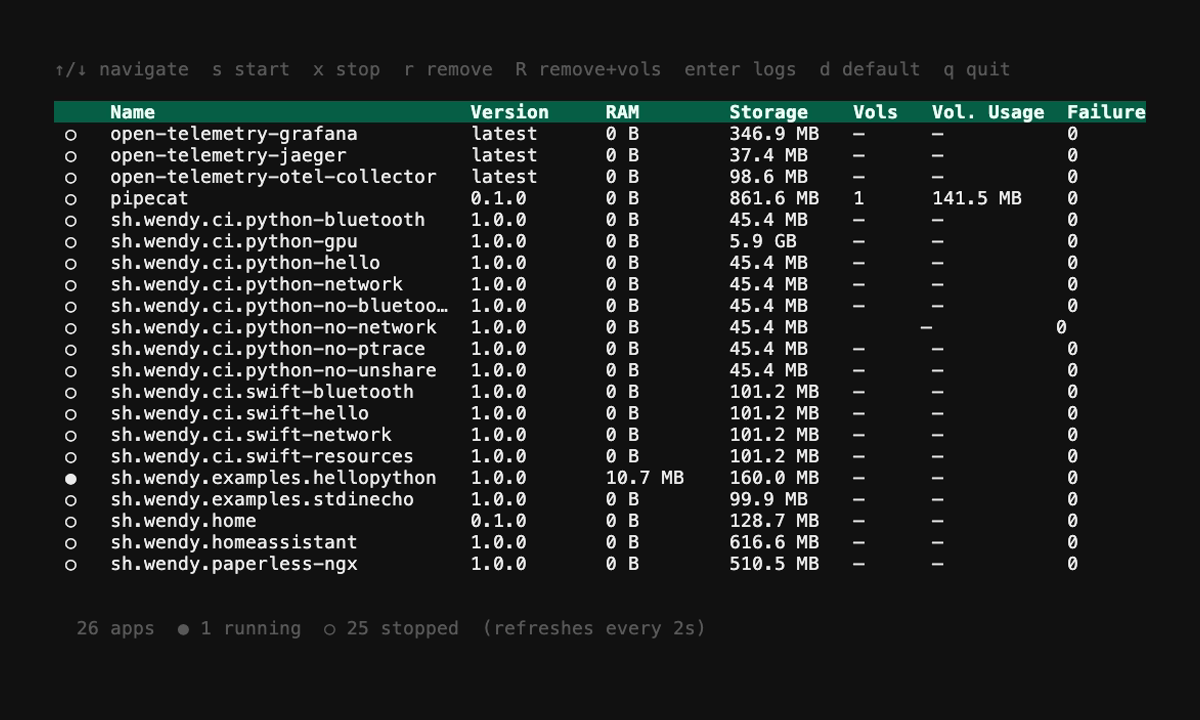
Expected State: The app shows as "Running" because it's a long-lived HTTP server — it keeps listening for requests until you stop it. The "Failures" column showing 0 confirms it started cleanly without crashing.
Next Steps
Now that you have a basic Rust application running:
- Learn how to build a Simple Web Server with Axum
- Explore environment variables and configuration
- Build more complex applications with networking and data processing
- Integrate with WendyOS device features via HTTP APIs
Containerized Deployment: Rust applications on WendyOS run in containers. This provides isolation and portability while the Wendy CLI manages the deployment workflow.