GPU Access
Enable NVIDIA CUDA or AMD ROCm GPU access for compute and vision workloads
GPU Access
The gpu entitlement exposes the host GPU to your app for CUDA, ML inference, image processing, DeepStream, PyTorch, TensorRT, and MLX workloads. WendyOS does not expose GPU devices to apps unless the app declares the entitlement.
This covers NVIDIA GPUs (CUDA) on Jetson and x86 systems, and AMD GPUs (ROCm) on supported x86 Linux hosts. AMD hosts need the amdgpu driver, /dev/kfd, and a DRM render node. The container also needs ROCm libraries compatible with its GPU.
For a complete AMD example, follow Run PyTorch on an AMD GPU. Stagefile's cuda: true option remains NVIDIA-only; the ROCm example selects its wheel index explicitly.
On Qualcomm Dragonwing boards (such as the IQ-8275), the entitlement exposes the Adreno GPU's DRM render node, which the mesa freedreno/turnip, OpenCL, and Vulkan userspace in your image opens. The on-SoC Hexagon NPU is a separate accelerator: wendy device info reports it on its own NPU: line as qualcomm (qnn) when its FastRPC nodes are present — never as an Adreno compute backend — and apps reach it through the npu entitlement rather than gpu.
On NVIDIA Jetson, the latest WendyOS is built on JetPack 7.2 (L4T R39.2.0, CUDA 13). Target JetPack 7.2 or later when selecting CUDA wheels or base images for your app.
Add the entitlement from your project directory:
wendy project entitlements add gpuInspect GPU Capabilities
Check the target device version and hardware summary:
wendy device versionFor a focused hardware capability view:
wendy device hardware list --category gpuThe output reports GPU-related device paths and properties when the target exposes them.
Common Pairings
GPU apps often also need:
camerafor computer vision and live inferencenetworkfor inference APIs or dashboardsaudiofor voice AI pipelinespersistfor model caches and local output
For camera inference:
wendy project entitlements add camera
wendy project entitlements add gpu
For a networked inference server:
wendy project entitlements add gpu
wendy project entitlements add network   # prompts for the mode; there is no --mode flag
App Configuration
A minimal GPU app uses:
{
  "appId": "com.example.gpu",
  "platform": "linux",
  "version": "1.0.0",
  "entitlements": [
    { "type": "gpu" }
  ]
}
Then deploy:
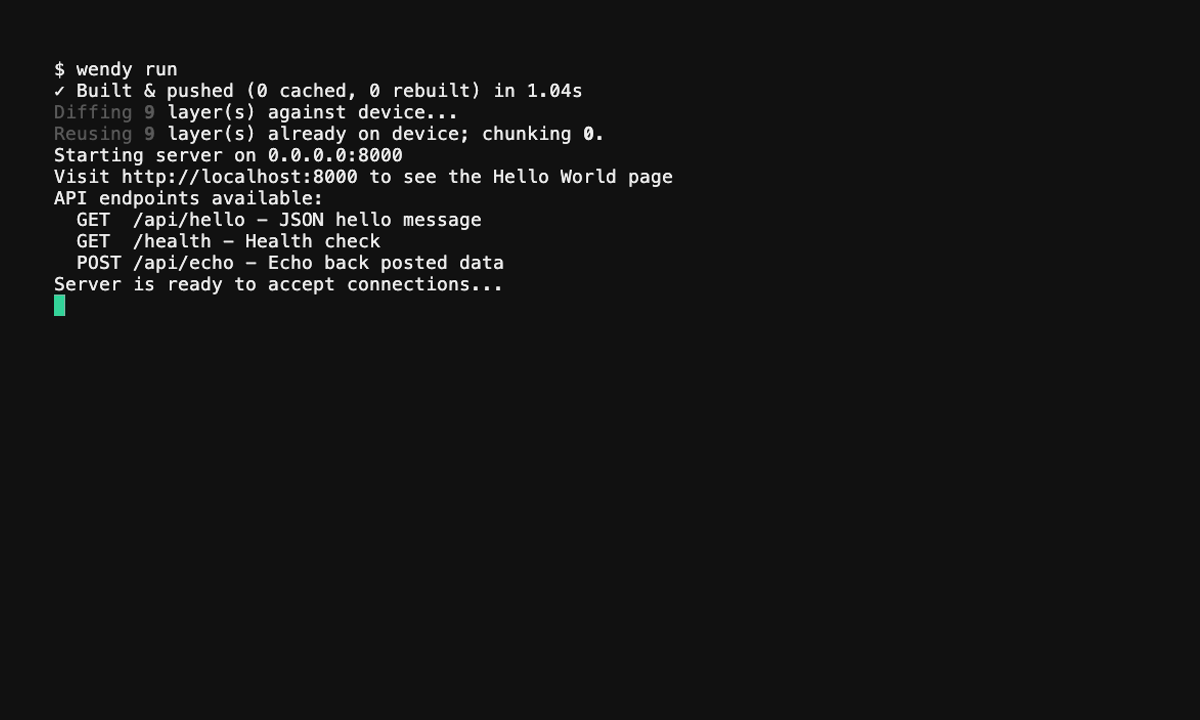
wendy run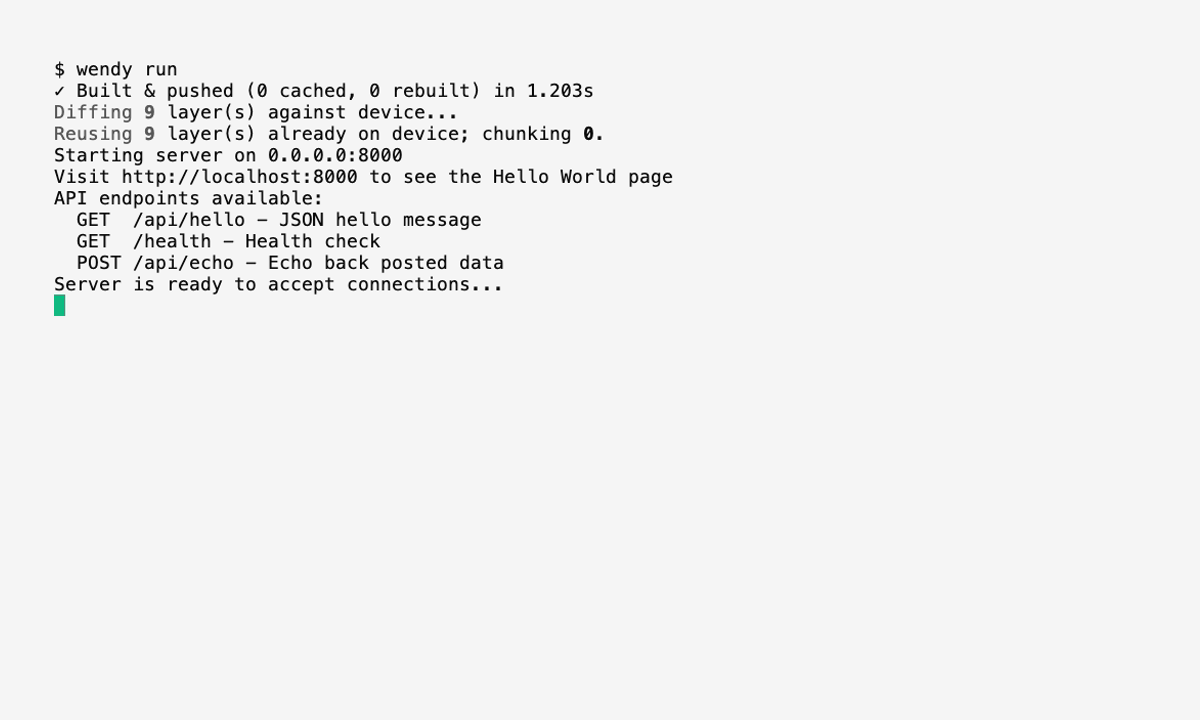
Raspberry Pi Board Telemetry
On Raspberry Pi hosts, the gpu entitlement also exposes the VideoCore mailbox device (/dev/vcio). This lets your app read board telemetry — power, voltage and current, temperature, throttling state, and (on Raspberry Pi 5) the PMIC ADC channels — through the firmware property interface, the same channel the vcgencmd tool uses.
This is added only on Raspberry Pi hardware, and only when the /dev/vcio node is present. On NVIDIA Jetson devices the entitlement grants the CUDA/CDI access described above instead — the VideoCore mailbox is not exposed there — and on hardware that is neither, it has no effect.
{
  "appId": "com.example.power-monitor",
  "platform": "linux",
  "version": "1.0.0",
  "entitlements": [
    { "type": "gpu" }
  ]
}
Access is read/write to the existing device node only — the container cannot create new device nodes (mknod). The grant applies solely when the agent detects Raspberry Pi hardware.