Hardware overview
Enable cameras, audio, Bluetooth, GPUs, and other device hardware for WendyOS apps
Hardware Access
WendyOS apps run in isolated containers by default. That means hardware such as cameras, microphones, speakers, Bluetooth adapters, and GPUs is not exposed to an app unless the app asks for it with an entitlement.
Entitlements are stored in your project's wendy.json file. The easiest way to add one is with the Wendy CLI:
wendy project entitlements add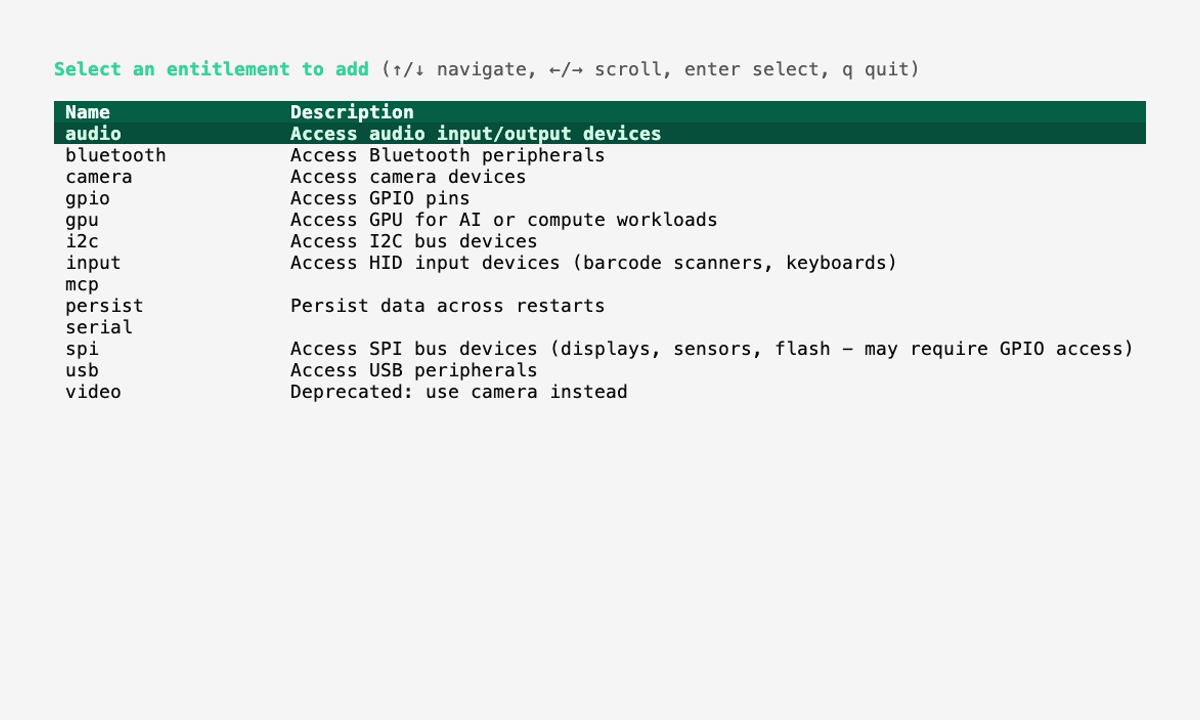
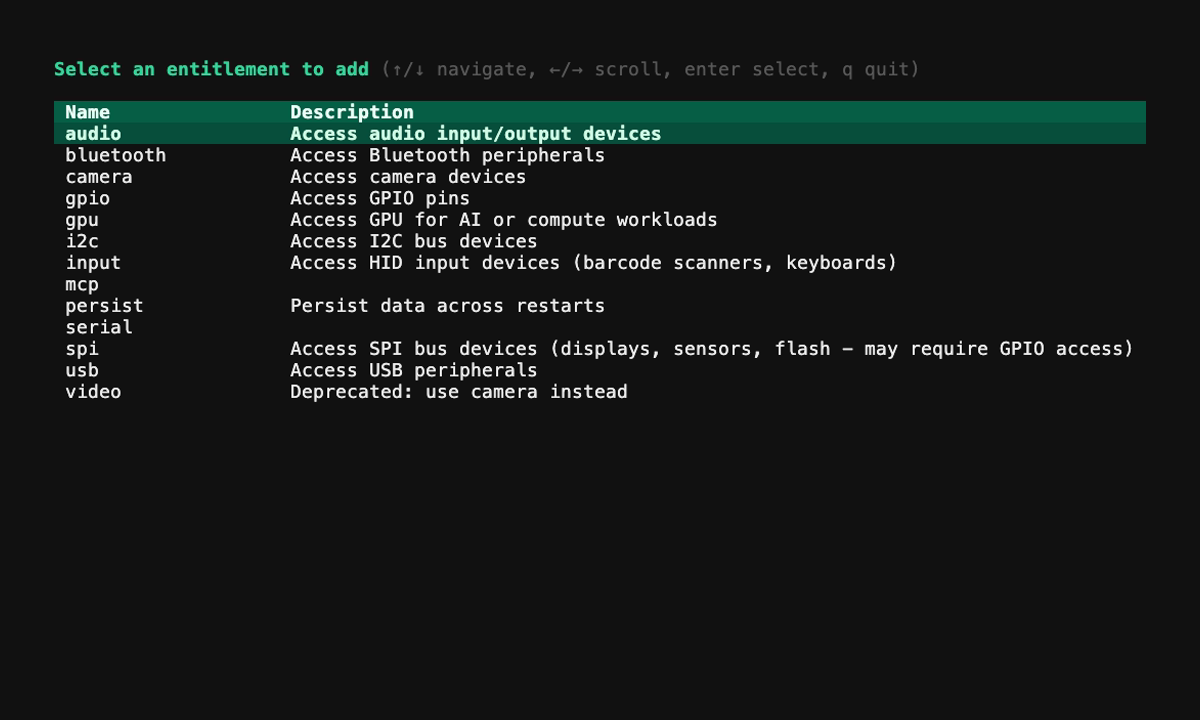
Run the command with no arguments for an interactive menu, or pass the entitlement you already know you need:
wendy project entitlements add camera
wendy project entitlements add audio
wendy project entitlements add bluetooth
wendy project entitlements add gpu
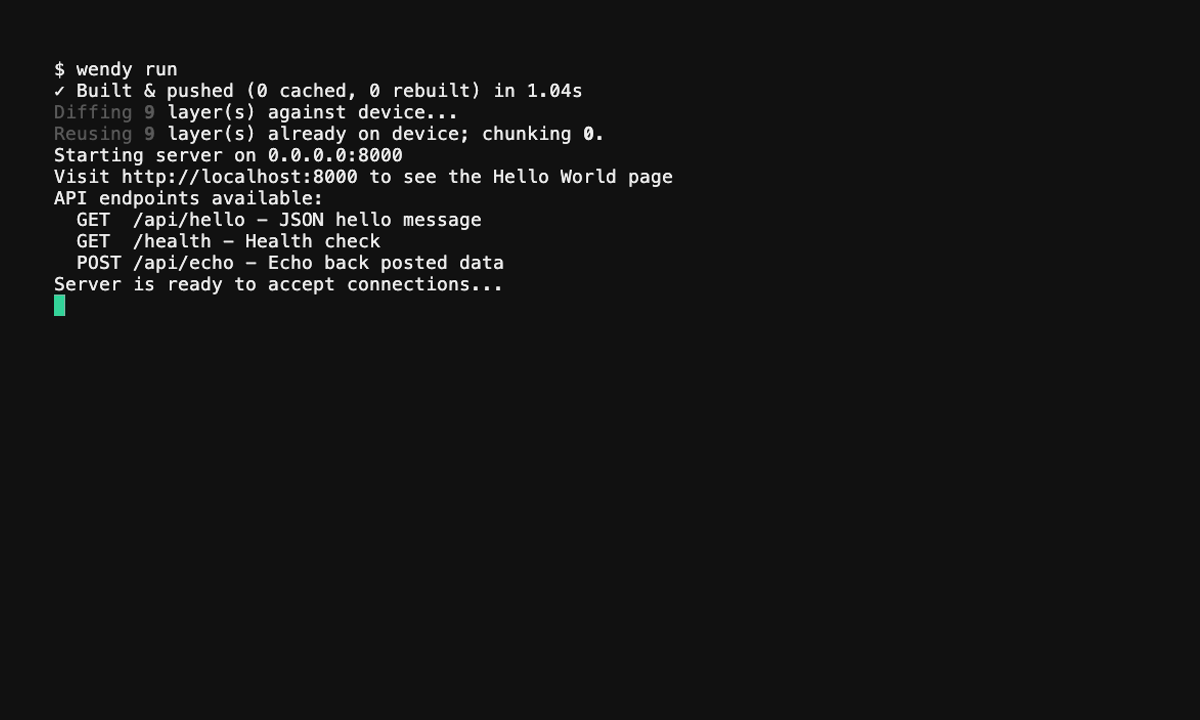
After updating entitlements, deploy as usual:
wendy run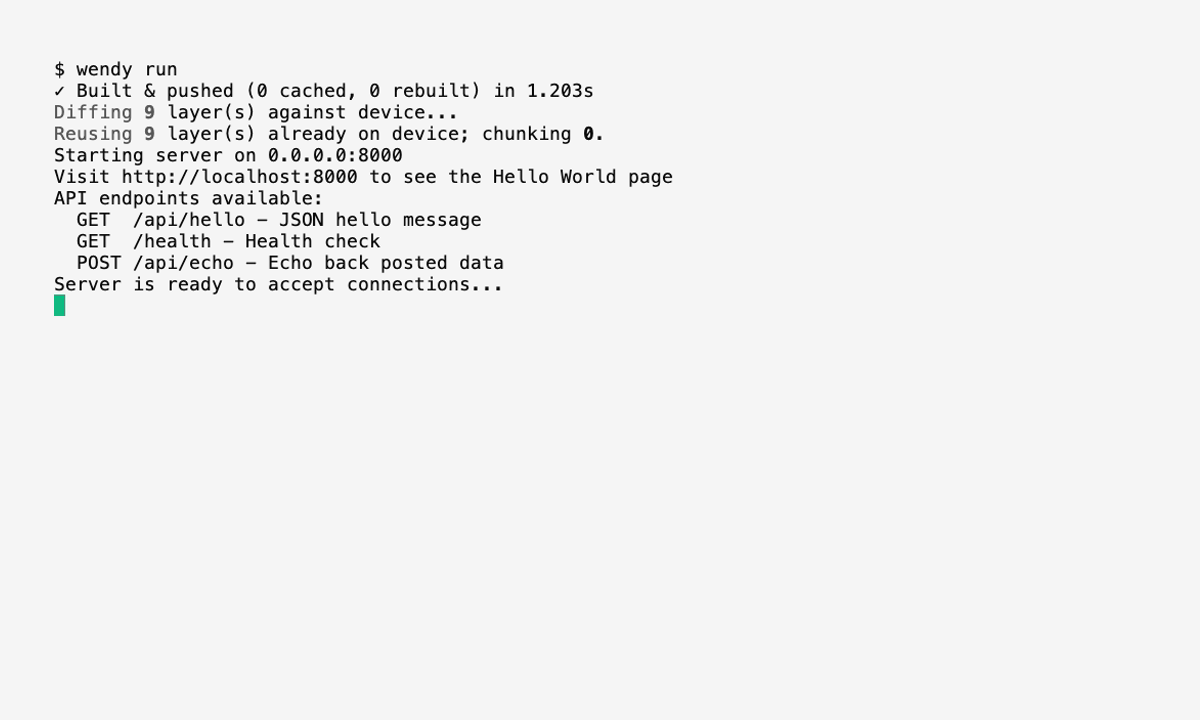
Common Hardware
| Hardware | Entitlement | Use When |
|---|---|---|
| USB or CSI camera | camera | Capturing frames, streaming video, computer vision |
| Microphone | audio | Recording, voice commands, audio analysis |
| Speaker or audio output | audio | Playback, alerts, voice responses |
| Bluetooth adapter | bluetooth | BLE devices, Bluetooth sensors, paired accessories |
| NVIDIA GPU | gpu | CUDA, ML inference, accelerated computer vision (Jetson and x86 NVIDIA GPUs) |
| AMD GPU | gpu | ROCm compute on supported x86 Linux hosts |
| Web servers or network APIs | network | Serving HTTP, WebSockets, or accepting inbound connections |
For AMD GPU setup and a computation check, follow Run PyTorch on an AMD GPU. See GPU Access for host and container requirements.
Feature Guides
Quick Examples
Camera App
wendy project entitlements add cameraThis allows the app to access video capture devices such as /dev/video0.
Microphone and Speaker App
wendy project entitlements add audioThis allows the app to use ALSA audio devices for recording and playback.
Bluetooth App
wendy project entitlements add bluetoothBluetooth supports different modes. Use the interactive menu if you are not sure which mode your app needs.
Camera with GPU Acceleration
wendy project entitlements add camera
wendy project entitlements add gpu
This is common for computer vision and ML inference workloads on NVIDIA Jetson devices.
Learn More
For all entitlement types, options, and wendy.json examples, see App Entitlements.