Bluetooth Access
Scan, pair, connect, and use Bluetooth devices with WendyOS apps
Bluetooth Access
Bluetooth access is used for BLE sensors, controllers, audio accessories, serial devices, and paired peripherals. WendyOS keeps Bluetooth interfaces unavailable to apps unless the app declares a Bluetooth entitlement.
Add the entitlement from your project directory:
wendy project entitlements add bluetoothIf your app needs a specific Bluetooth mode, use the detailed entitlement options:
wendy project entitlements add takes no --mode flag — it prompts for the
mode interactively:
wendy project entitlements add bluetoothYou can also set it directly in wendy.json:
{ "entitlements": [{ "type": "bluetooth", "mode": "kernel" }] }Use kernel for low-level HCI socket access. Use bluez for standard Linux Bluetooth workflows through BlueZ.
Scan for Devices
Run the Bluetooth command without subcommands to open an interactive table for browsing and managing peripherals:
wendy device bluetoothThe table shows device name, address, type, pairing state, and connection state. Use arrow keys to navigate, enter to connect, d to disconnect, f to forget, r to rescan, and q to quit.
For scripting or CI, use the list subcommand:
wendy device bluetooth listConnect and Pair
In the interactive table, select a device and press enter to connect.
To connect from a script, specify the address:
wendy device bluetooth connect AA:BB:CC:DD:EE:FFBy default, the CLI pairs and trusts the device. You can disable either behavior:
wendy device bluetooth connect AA:BB:CC:DD:EE:FF --pair=false --trust=falseDisconnect without forgetting the pairing:
wendy device bluetooth disconnect AA:BB:CC:DD:EE:FFOr select the connected device in the interactive table and press d.
Forget a paired device:
wendy device bluetooth forget AA:BB:CC:DD:EE:FFOr select the paired device in the interactive table and press f.
Audio Peripherals
A trusted speaker, headset, or microphone reconnects on its own in the cases that matter for an unattended device:
| Situation | Reconnects |
|---|---|
| The peripheral is switched on while the device is running | Yes — the peripheral initiates |
| The peripheral goes out of range and returns | Yes, if it returns within about two minutes |
| The device reboots with the peripheral already on | Yes, shortly after boot |
| The peripheral is switched off | No, by design |
Reconnection after a reboot happens once per boot, and only for peripherals that are trusted — the default when you connect with wendy device bluetooth connect. It will not undo a deliberate disconnect, and it waits for the audio stack to be ready, so on a Raspberry Pi expect it a minute or two after boot rather than immediately.
At most one output and one input are reconnected automatically. Connect any others yourself.
Playback and capture need the audio entitlement, not just bluetooth; see Speaker Access and Microphone Access.
Game Controllers and Other HID Devices
When a Bluetooth LE HID device (a gamepad, keyboard, mouse or RC-style controller) stops responding, the kernel only drops it after the link's supervision timeout. Many controllers ask for 3 s, which is 3 s of an app acting on the last input it received. The agent keeps every BLE HID link it is central on at 500 ms, re-applying it whenever the device asks for more. A dead link then removes the controller's input device in about half a second.
wendy device bluetooth list shows the value in force in the Link timeout column: 0.5 s at the agent's value, or 3.0 s (device) if a device kept restoring its own value and the agent stopped overriding it.
Set a different value, or 0 to leave devices at whatever they ask for, in /etc/default/wendy-agent and restart the agent:
WENDY_BT_HID_SUPERVISION_TIMEOUT_MS=500Values from 100 to 32000 ms are accepted. The file lives on the OS partition, so an OS update resets it.
Classic Bluetooth controllers (DualSense, DualShock 4, Switch Pro) are not covered yet.
The agent logs every Bluetooth disconnect with its reason. connection timeout means the link was lost; remote user terminated connection means the device was switched off.
App Configuration
A minimal Bluetooth app uses:
{
  "appId": "com.example.bluetooth",
  "platform": "linux",
  "version": "1.0.0",
  "entitlements": [
    { "type": "bluetooth", "mode": "bluez" }
  ]
}
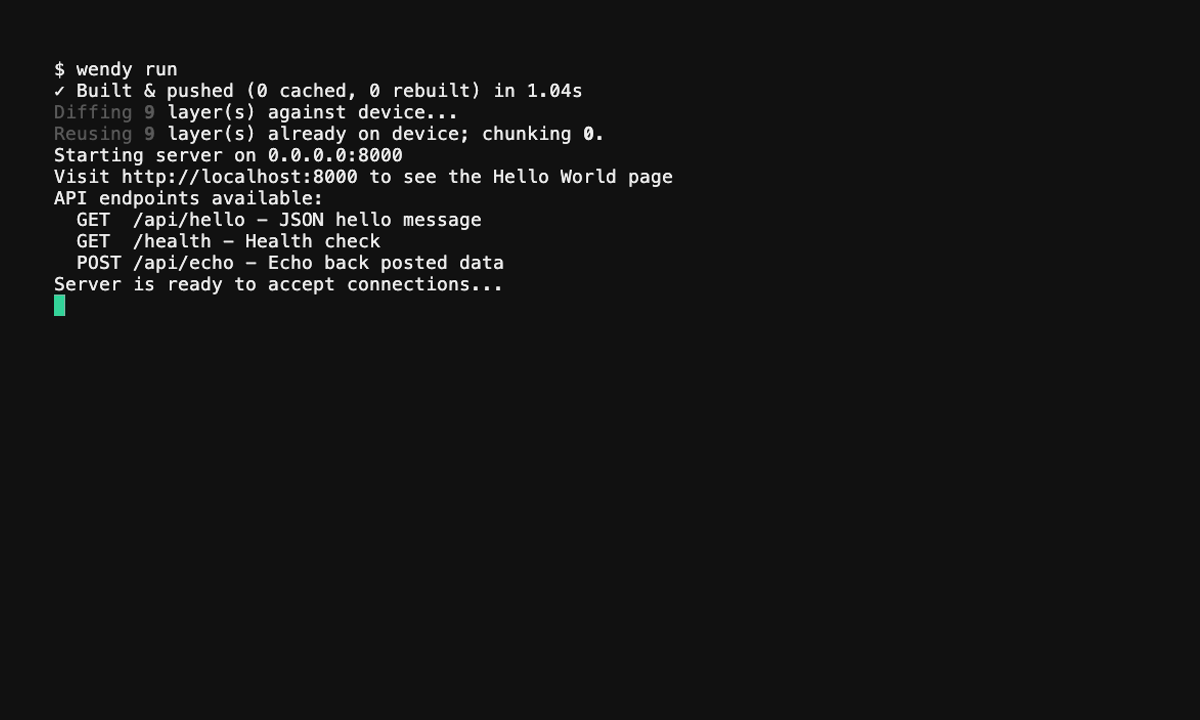
Then deploy:
wendy run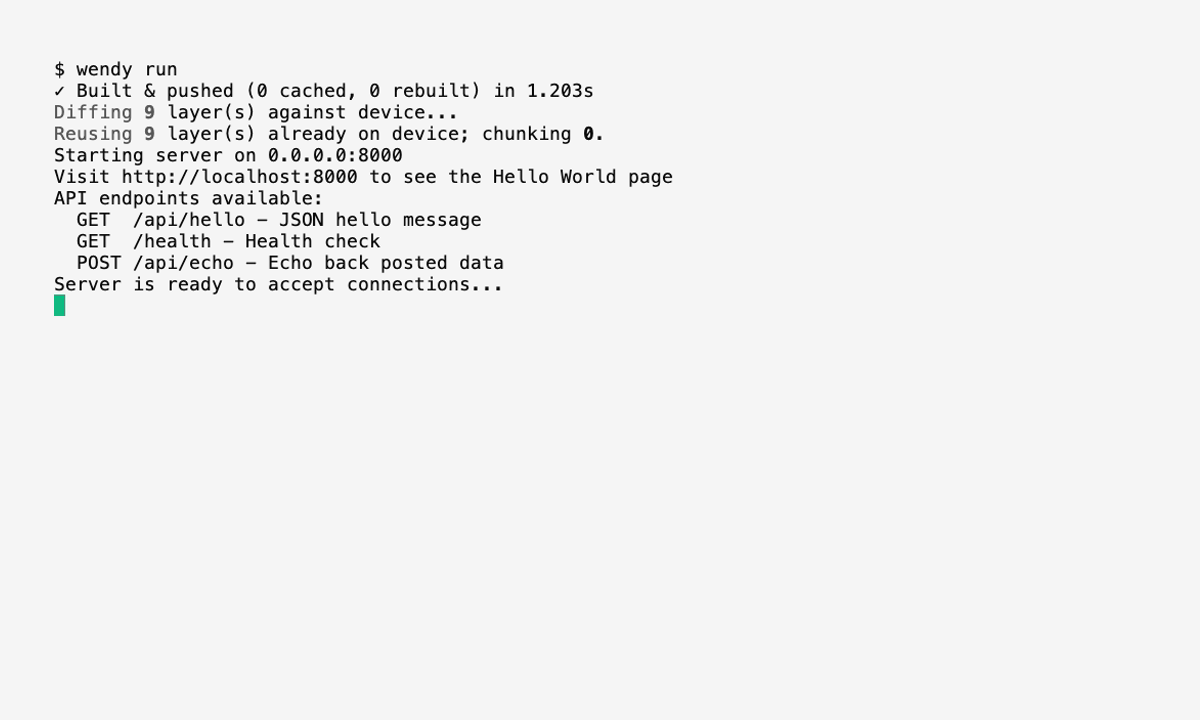
App Recovery After Restarts
WendyOS recreates the app's filtered BlueZ D-Bus proxy before a stopped container starts, including after a device reboot. If only the Wendy agent restarts, it restores the proxy socket without restarting the running container. Existing D-Bus connections close with the old proxy, so the app or its Bluetooth library must reconnect to the restored socket. No redeploy is required.