Camera feed in TypeScript
Start a live camera feed app using the TypeScript camera template
Live camera feed with TypeScript
Use the Wendy camera template when you want a browser-viewable camera stream without wiring the project from scratch. The template ships an Express + WebSocket backend (src/index.ts) that runs a GStreamer pipeline to capture MJPEG frames from /dev/video0 and broadcast them over a /stream WebSocket, plus the browser UI (index.html, assets/), a Dockerfile, and a wendy.json with the network (host mode), camera, and gpu entitlements.
Prerequisites
- Wendy CLI installed on your development machine
- Node.js 22 or later installed
- A WendyOS device with a USB camera connected
Setting up your project
Initialize the project
wendy init typescript-camera --target wendyos --language node --template camera-feed --var APP_ID=typescript-camera --var PORT=5003 --assistant skip --git-init no
cd typescript-camera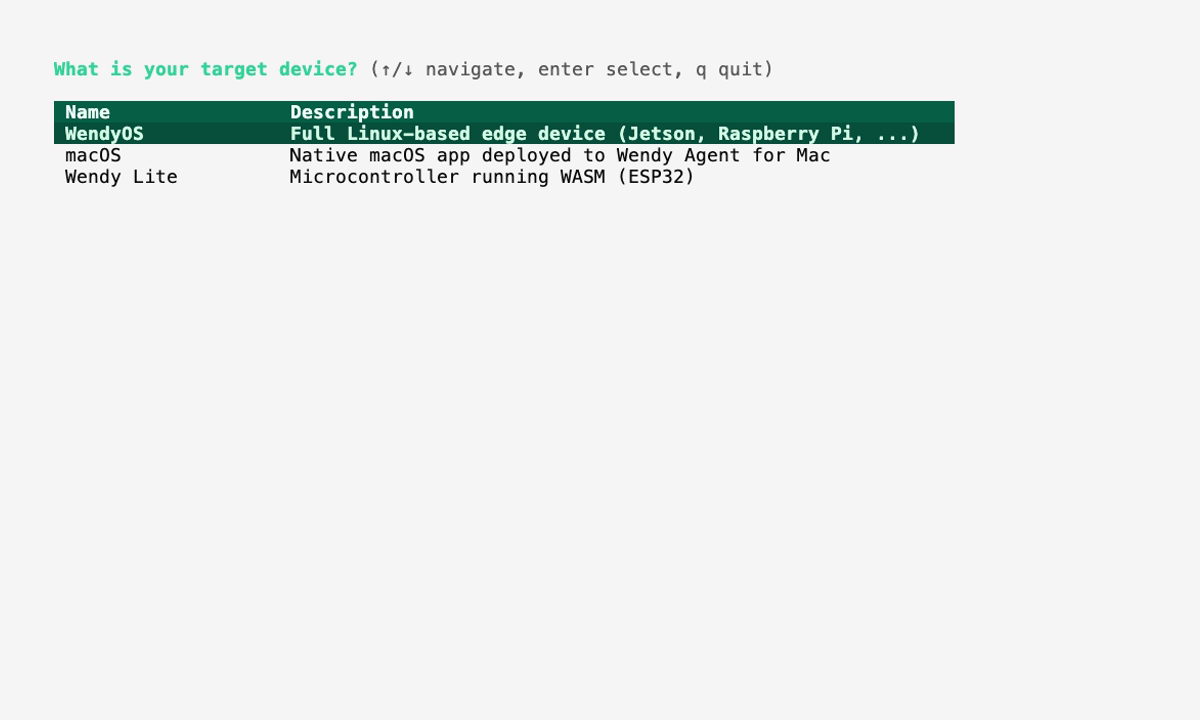
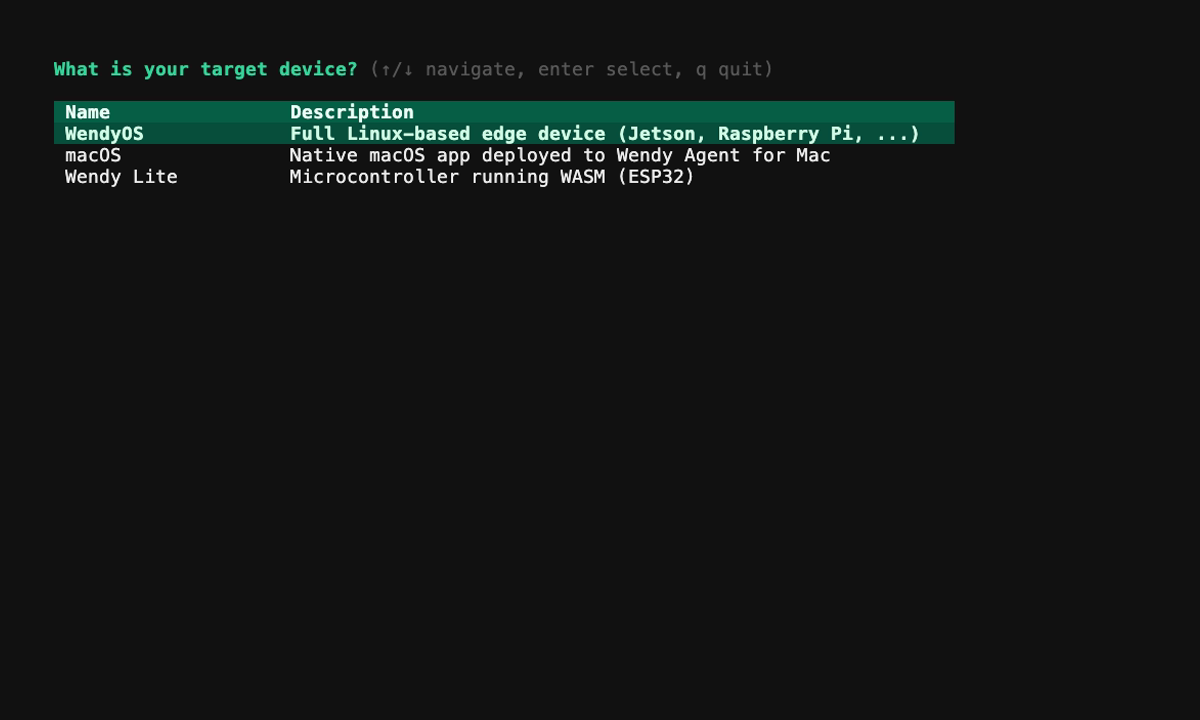
The generated project is ready to run. After the first run, use the sections below as a code breakdown when you want to understand or customize camera handling, routes, or UI behavior.
Run on WendyOS
wendy run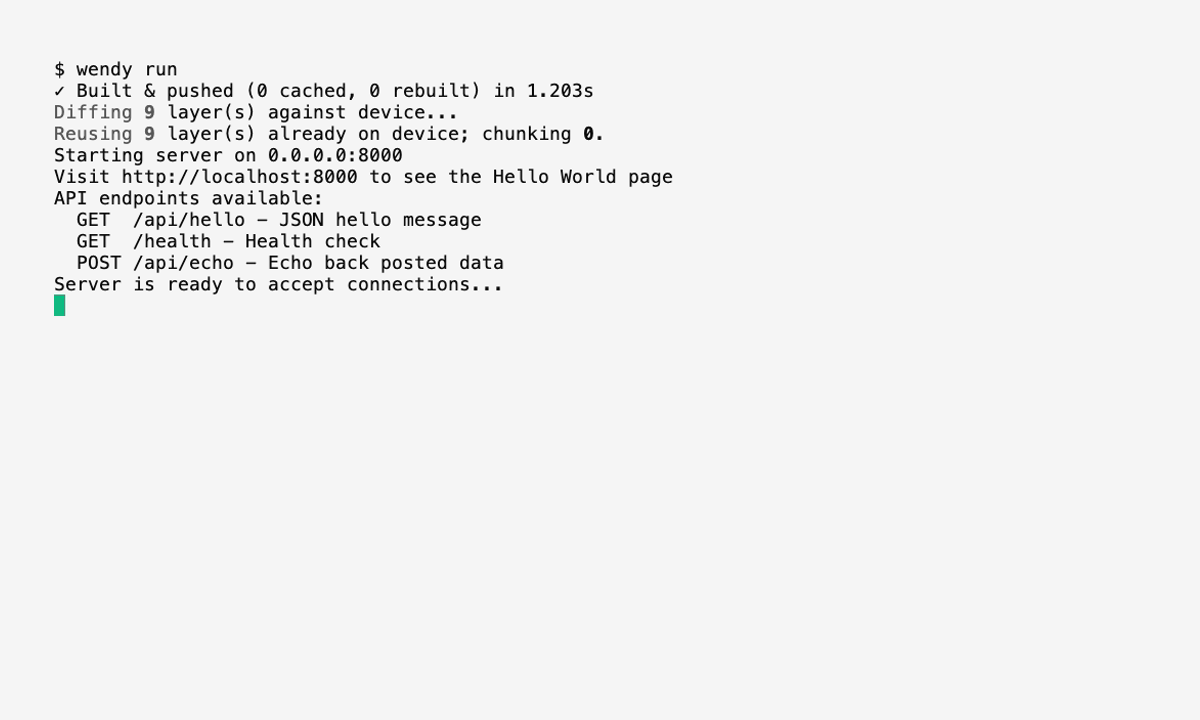
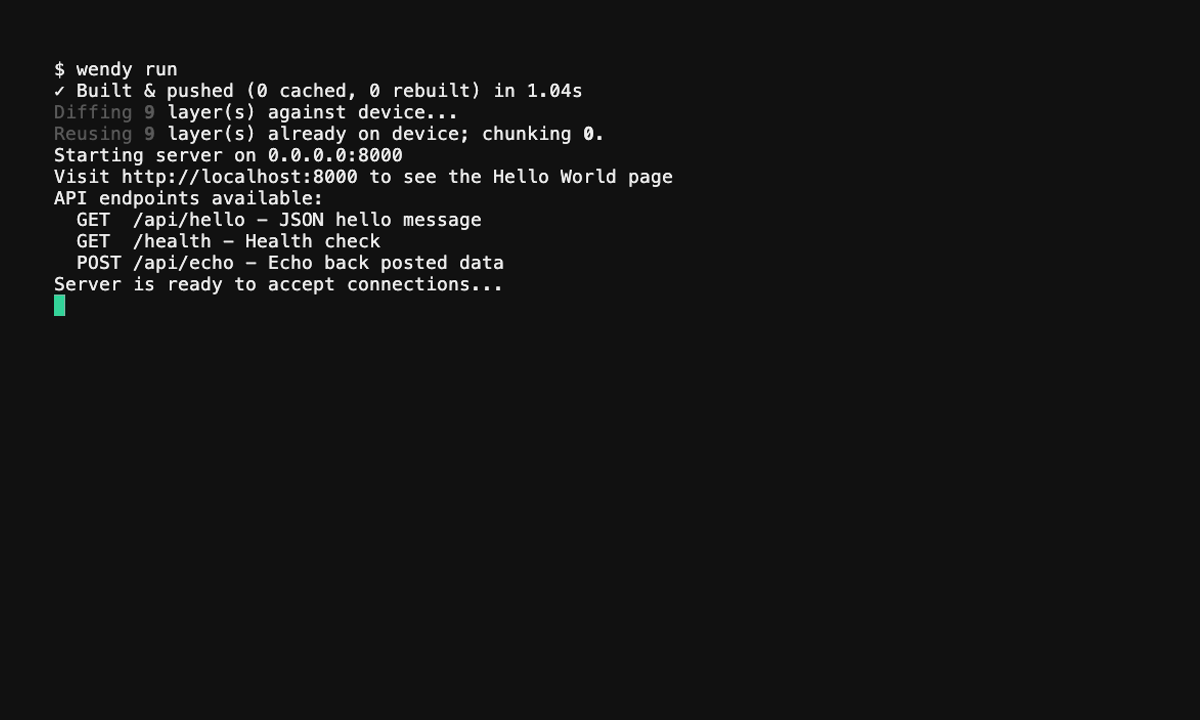
Wendy will build the app, ask you to select a device if one is not already configured, deploy the container, and print the app URL.
The generated wendy.json includes a readiness probe on port 5003 and a postStart hook that opens your browser automatically once the stream is ready. Otherwise, open the app URL from the Wendy run output to view the stream.
Code breakdown
The backend in src/index.ts does the heavy lifting:
GET /serves the browser UI fromindex.html.GET /cameraslists connected cameras viav4l2-ctl --list-devices.- The
/streamWebSocket starts a GStreamer pipeline on the first client, extracts JPEG frames, and broadcasts them to all connected viewers; the pipeline is torn down when the last client disconnects. - Send a
{"switch_camera": "/dev/videoN"}message over the WebSocket to switch the active camera.
The runtime image installs the GStreamer plugin set and v4l-utils so the pipeline and camera enumeration work on the device.
Next steps
- Read hardware access to give an app cameras, microphones, speakers, Bluetooth, or a GPU.
- Try the tutorials in other languages.