Hello world in TypeScript
Create your first application using TypeScript
Creating your first TypeScript application
This guide will walk you through creating your first WendyOS application using TypeScript. The Wendy template scaffolds a small long-running Express server that responds with {"message":"hello-world"}. It's a great way to prove that you can send your first app to your device and verify your development environment is set up correctly.
Prerequisites
- Wendy CLI installed on your development computer.
- Docker running with Buildx. Check with
docker infoanddocker buildx version. - A Linux device or WendyOS VM ready to run your app.
The Dockerfile installs the language toolchain inside the builder. You only need a local language installation if you choose to run the source outside Docker.
Containerized Deployment: TypeScript applications run inside containers on your WendyOS device. This guide shows you how to package the Node.js runtime for deployment with the Wendy CLI.
Creating the project
Initialize the project
Start from the Wendy TypeScript template:
wendy init hello-world --target wendyos --language node --template simple-api --var APP_ID=hello-world --var PORT=5001 --assistant skip --git-init no
cd hello-world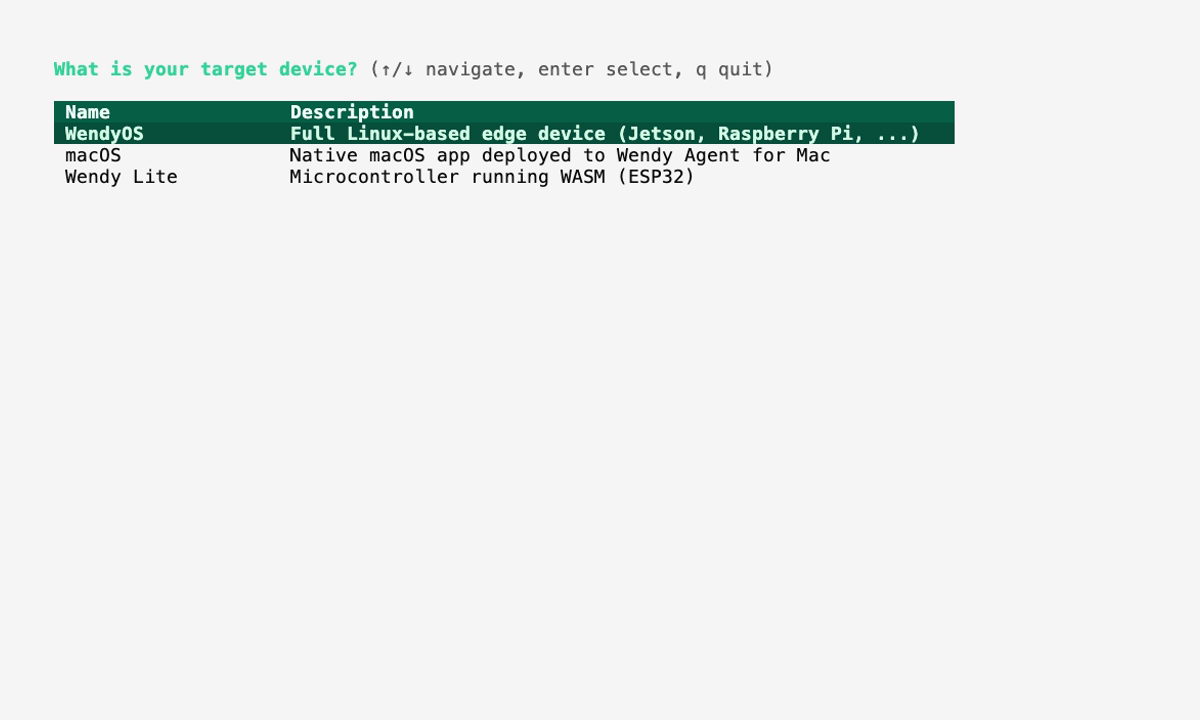
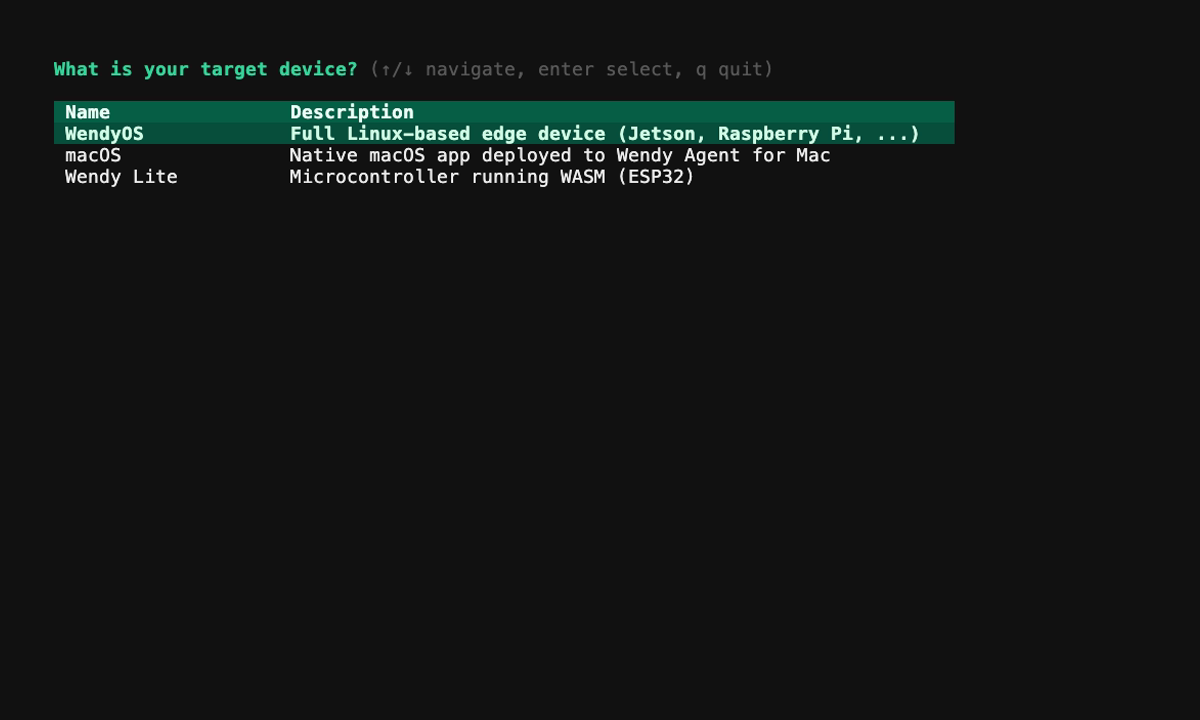
The template creates package.json, tsconfig.json, src/index.ts, Dockerfile, and wendy.json. Understand the generated web server explains each file.
Run on WendyOS
wendy run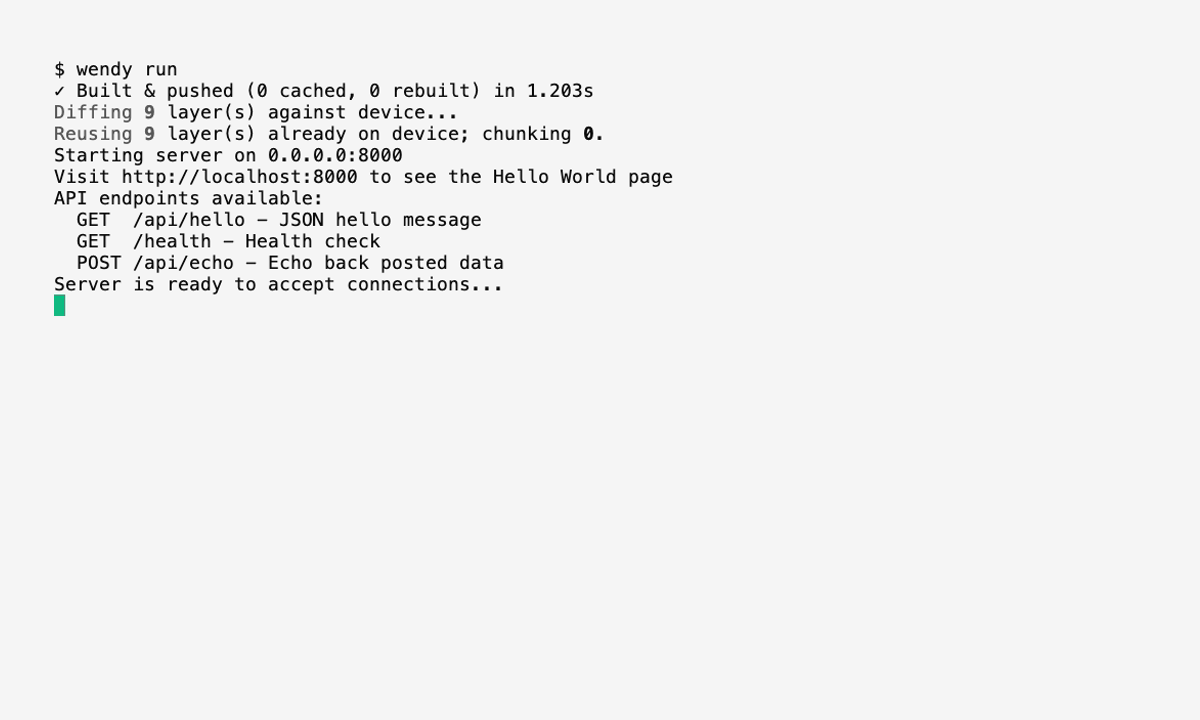
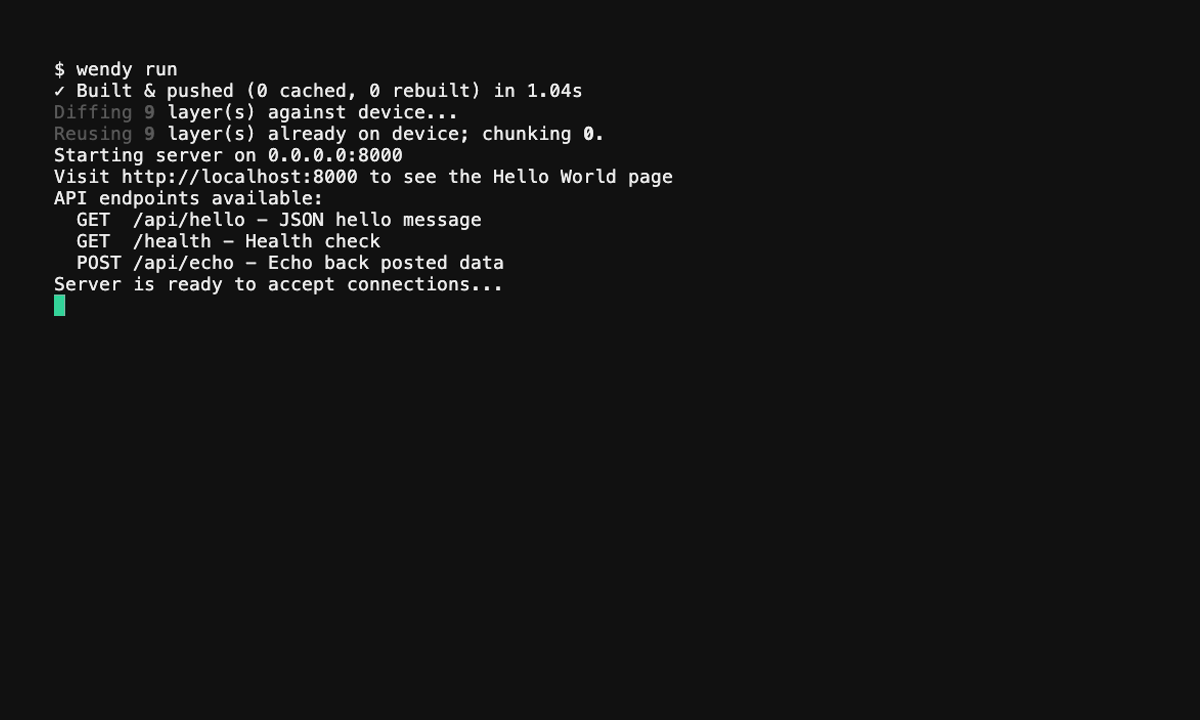
Wendy will build the app, ask you to select a device if one is not already configured, deploy the app, and show the run output. Because this is an HTTP server, the app keeps running and the generated postStart hook opens your browser to the device.
Verifying deployment on your device
After deploying your application to a WendyOS device, you can verify it is running by listing the applications on your device:
wendy device apps list
✔︎ Searching for WendyOS devices [5.3s]
✔︎ Listing applications: True Probe [USB, Ethernet, LAN]
╭───────────────┬─────────┬─────────┬──────────╮
│ App           │ Version │ State   │ Failures │
├───────────────┼─────────┼─────────┼──────────┤
│ hello-world   │ 0.1.0   │ Running │ 0        │
╰───────────────┴─────────┴─────────┴──────────╯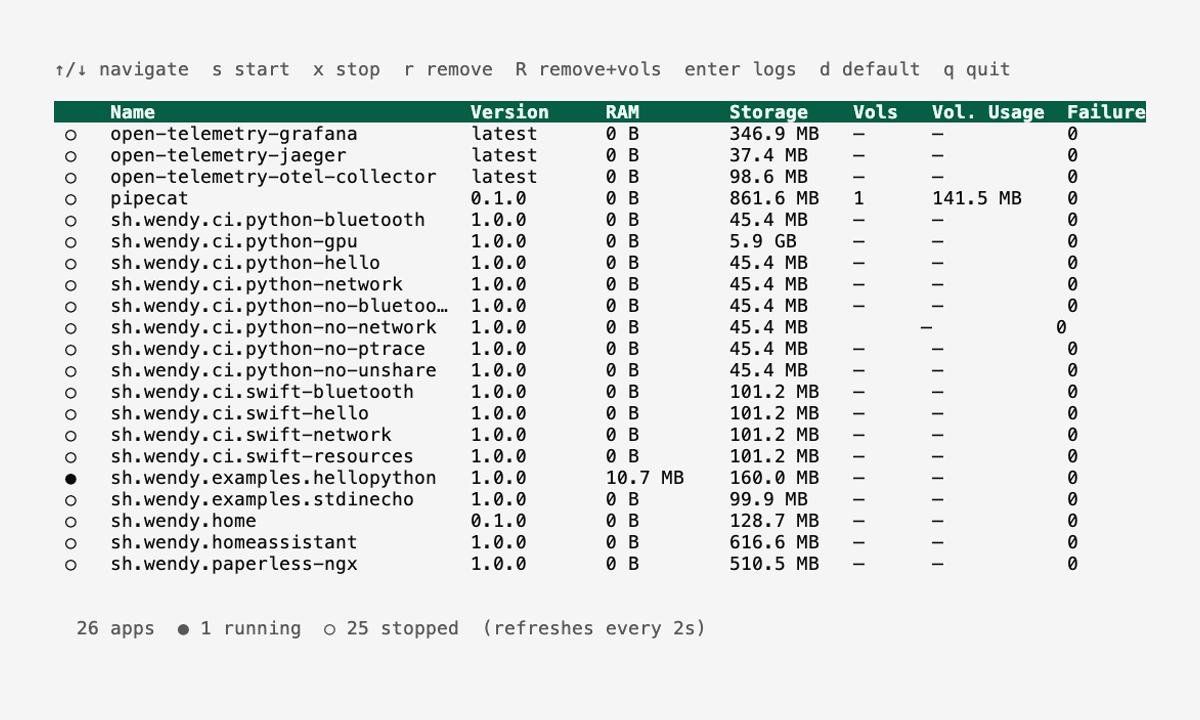
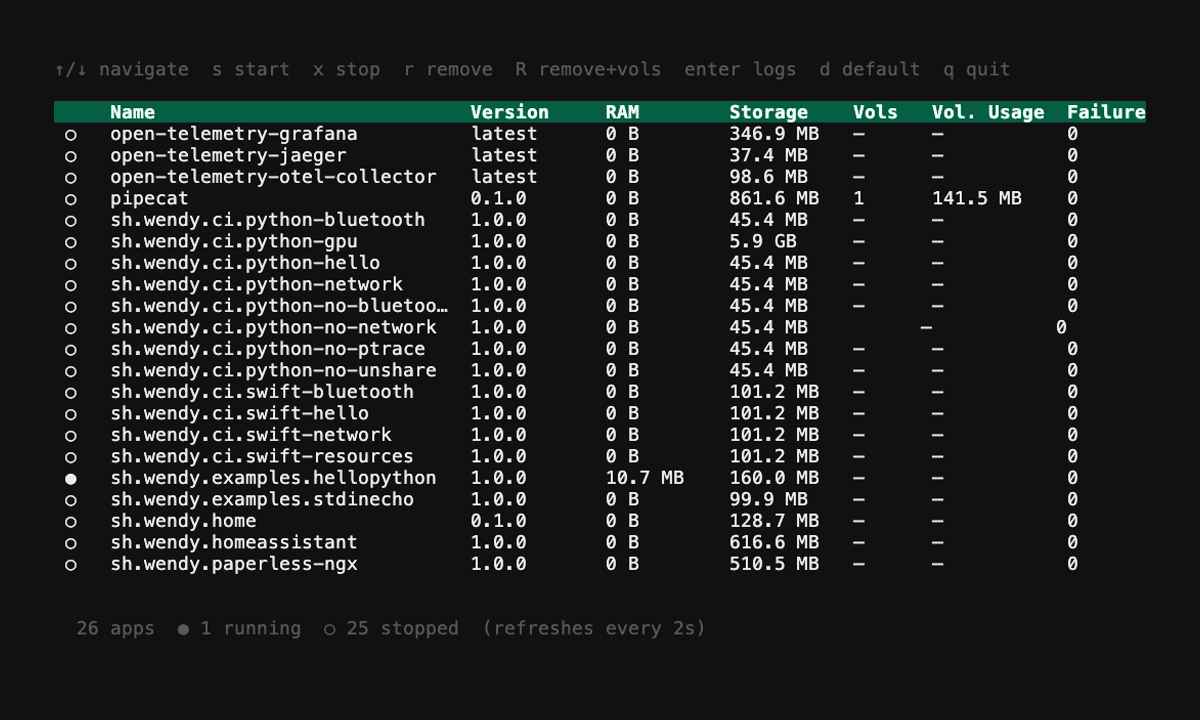
Expected State: The app shows as "Running" because it's a long-running HTTP server that stays up to serve requests. The "Failures" column showing 0 confirms it started cleanly. The generated postStart hook opens your browser to http://<device>:5001, where the root route returns {"message":"hello-world"}.
Next steps
- Understand the generated web server to see how the source, Dockerfile, and
wendy.jsonwork together. - Build a full-stack web app with a React frontend.