Camera Feed in Swift
Start a live camera feed app on WendyOS using the Swift camera template
Live Camera Feed with Swift
Use the Wendy camera template when you want a browser-viewable camera stream without wiring the project from scratch. The template includes wendy.json, camera entitlements, a Dockerfile, Swift backend code, and the browser UI.
Prerequisites
- Wendy CLI installed on your development machine
- Swift 6.2 or later installed via swiftly
- A WendyOS device with a USB camera connected
Setting Up Your Project
Initialize the Project
wendy init swift-camera --target wendyos --language swift --template camera-feed --var APP_ID=swift-camera --var PORT=6003 --var SWIFT_VERSION=6.3 --assistant skip --git-init no
cd swift-camera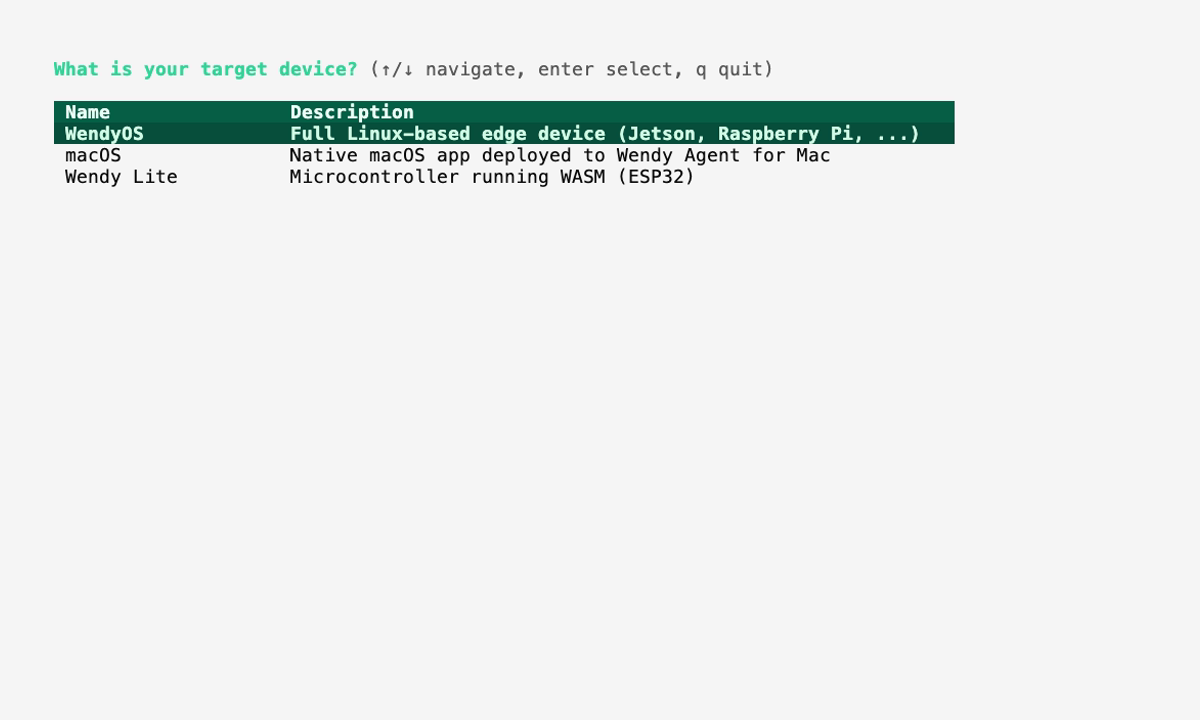
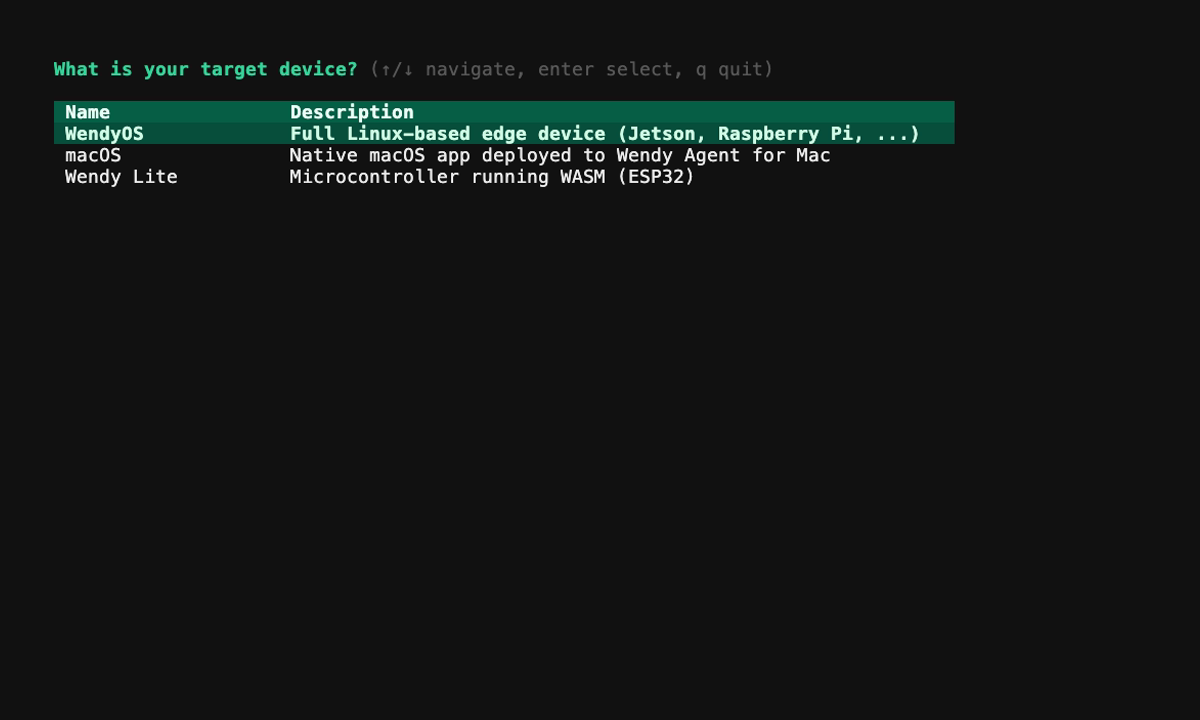
The generated project is ready to run. After the first run, use the sections below as a code breakdown when you want to understand or customize camera handling, routes, or UI behavior.
Run on WendyOS
wendy run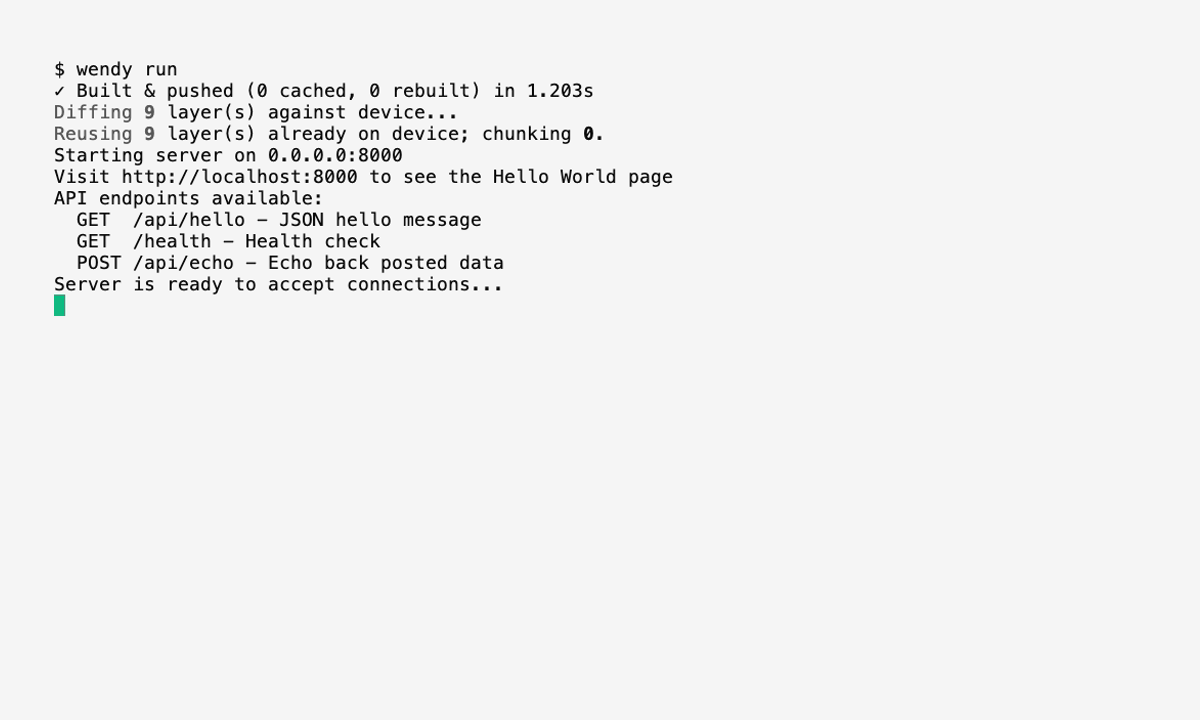
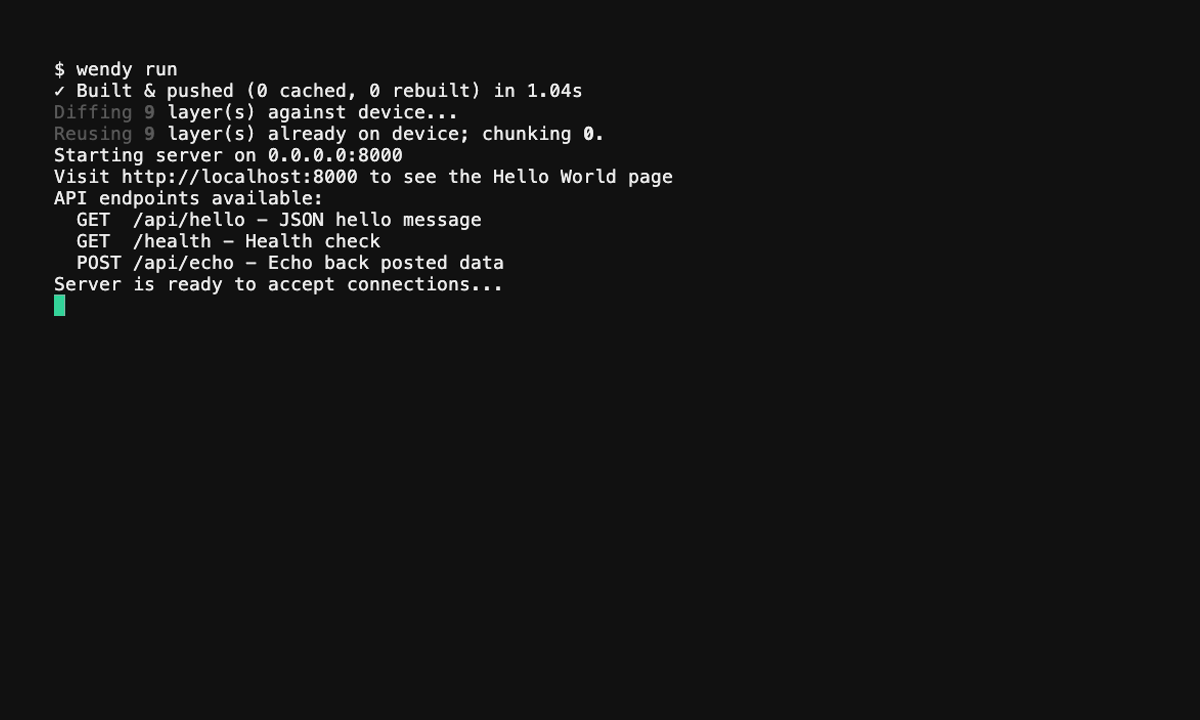
Wendy will build the app, ask you to select a device if one is not already configured, deploy the container, and print the app URL.
Code Breakdown
Open the app URL (http://${WENDY_HOSTNAME}:6003) from the Wendy run output to view the stream. The postStart hook in wendy.json opens it for you automatically once the server is ready.
Project Structure
The generated project looks like this:
swift-camera/
├── Package.swift
├── Dockerfile
├── wendy.json
├── .swift-version
├── index.html
├── assets/
│   └── wendy-logo.svg
└── Sources/
    └── swift-camera/
        ├── App.swift
        ├── MJPEGCamera.swift
        ├── CameraDiscovery.swift
        ├── JPEGFrameParser.swift
        └── StaticFileMiddleware.swift
Generated wendy.json
The template requests host networking, camera, and GPU entitlements, and registers a readiness probe plus a browser hook on port 6003:
{
    "appId": "swift-camera",
    "platform": "linux",
    "version": "0.1.0",
    "entitlements": [
        {
            "type": "network",
            "mode": "host"
        },
        {
            "type": "camera"
        },
        {
            "type": "gpu"
        }
    ],
    "readiness": {
        "tcpSocket": { "port": 6003 },
        "timeoutSeconds": 30
    },
    "hooks": {
        "postStart": {
            "cli": "wendy utils open-browser http://${WENDY_HOSTNAME}:6003"
        }
    }
}
Generated Server Routes
Sources/swift-camera/App.swift builds a Hummingbird server with WebSocket support and exposes:
GET /health— returns200 OKGET /cameras— lists detected cameras as JSONWS /stream— streams MJPEG frames over a WebSocket; send{"switch_camera": "<device>"}to change the source cameraGET /andGET {path+}— serve the bundledindex.htmlsingle-page UI
The camera is captured via GStreamer/V4L2 in MJPEGCamera.swift, with device enumeration in CameraDiscovery.swift and JPEG frame extraction in JPEGFrameParser.swift.
Generated Dockerfile
The multi-stage Dockerfile builds the binary with swift:6.3-bookworm and runs it on swift:6.3-bookworm-slim with GStreamer and V4L2 installed:
# Stage 1: Build the Swift application
FROM swift:6.3-bookworm AS builder
WORKDIR /app
COPY Package.swift ./
COPY Sources Sources
RUN swift build -c release

# Stage 2: Runtime image with GStreamer and V4L2
FROM swift:6.3-bookworm-slim
RUN apt-get update && apt-get install -y --no-install-recommends \
    gstreamer1.0-tools \
    gstreamer1.0-plugins-base \
    gstreamer1.0-plugins-good \
    gstreamer1.0-plugins-bad \
    gstreamer1.0-plugins-ugly \
    v4l-utils \
    ca-certificates \
    && rm -rf /var/lib/apt/lists/*
COPY --from=builder /app/.build/release/swift-camera /usr/local/bin/swift-camera
COPY index.html ./index.html
COPY assets/ ./assets/
EXPOSE 6003
CMD ["swift-camera"]