Set up a device
Prepare your hardware for its first Wendy app.
Choose your target below. Each guide covers the required hardware, installation, and how to confirm that your computer can reach the device. Install the Wendy CLI on your development computer first.

NVIDIA Jetson
Orin Nano and AGX Orin. Install WendyOS over USB recovery.
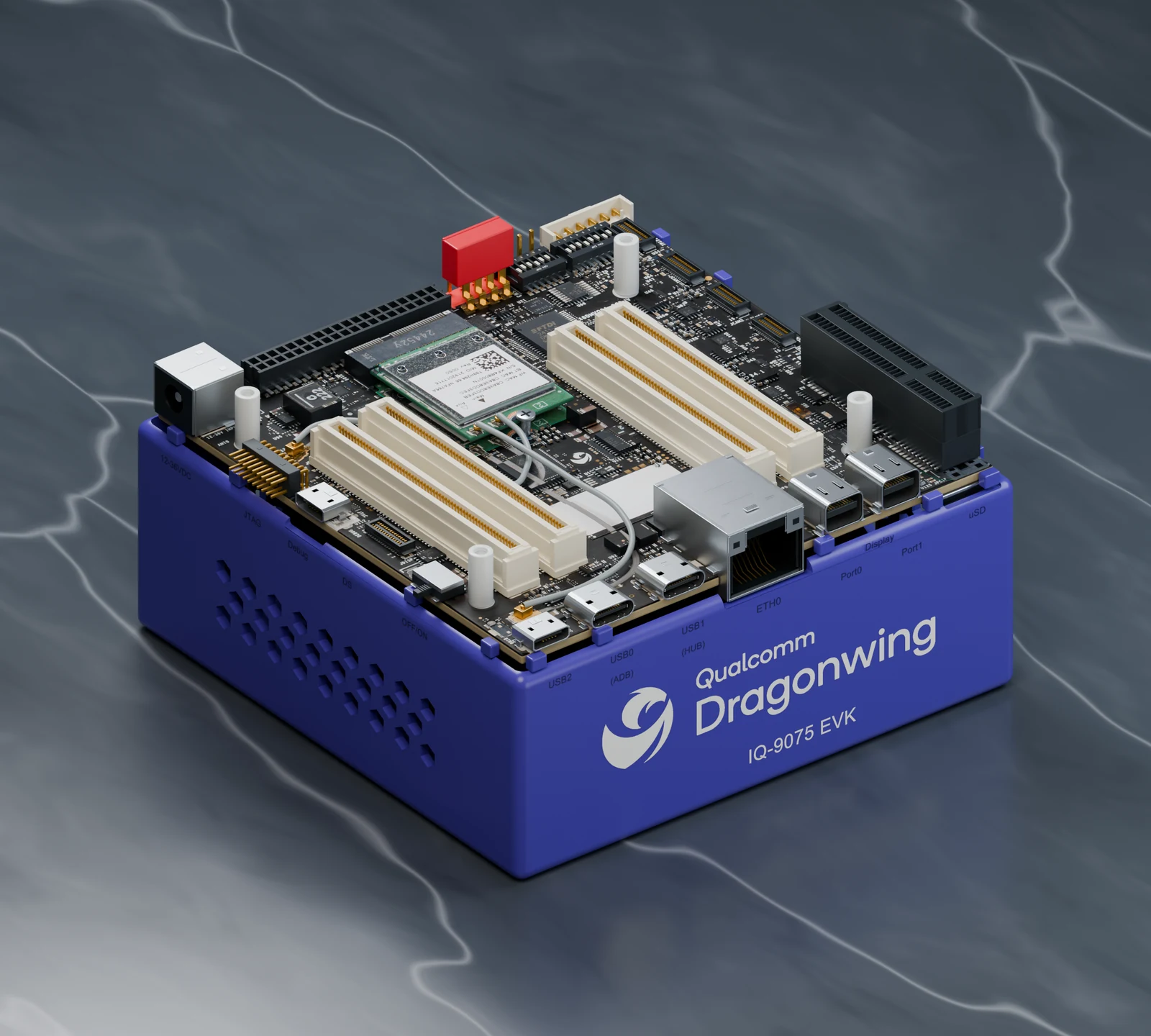
Qualcomm Dragonwing
IQ8 and IQ9. Install WendyOS over USB-C.

NVIDIA Jetson Thor
Install WendyOS over USB.

Raspberry Pi
Pi 5, 4, and 3. Install WendyOS on a microSD card.

ESP32
Set up Wendy Lite.
| Other targets | Setup guide |
|---|---|
| Existing Linux computer | Install Wendy Agent and keep your OS |
| Unitree G1 | Install Wendy Agent on PC2 |
| Apple Silicon Mac | Set up the native Mac target |
Installing WendyOS erases the selected storage. Check the board guide's power,
cable, and recovery requirements before starting. For an interactive guide, run
wendy tour --hardware.
Confirm your device is ready
For a network-accessible device, run this on your development computer:
wendy discoverYour expected device should appear. On macOS, allow Local Network access when prompted. For a USB connection on Linux, accept the terminal's host network setup prompt. If the device is missing, follow Target not found.
For a Linux agent installed with Only this computer, run
wendy --device 127.0.0.1:50051 device info --json on that computer instead
(before enrollment). It should return device information; discovery is disabled.
See the local Linux setup
for installing the CLI there.
Once your Linux or WendyOS device responds, deploy your first app. Mac and ESP32 targets use the examples in their own setup guides.
No hardware yet? Program a simulated robot or deploy an app to a virtual device.